MOVIE LOOKS RE-ENGINEERED
EVERY FILM HAS A WORLD. EVERY SCENE HAS A LOOK.
– 62 Movie-Inspired PowerGrades Across Distinct Cinematic Worlds
– Every Film. Multiple Looks. Grades for Different Scenes, Lighting & Moods
– Fully Editable Node Trees for Hands-On Colour Grading
– Two Versions of Every Look: Pure Nodes & Film Finishing Nodes
– 13-Node Film Finishing Workflow with Halation, Glow, Film Blur & More
– Built from Film Reference Frames to Recreate Distinctive Cinematic Colour
– Designed for Rec.709 / Gamma 2.4 Workflows
– Organised Collections & Included Guides to Get You Started
– Made for DaVinci Resolve and Your Next Cinematic Project
– Trusted by Industry Professionals
– 24/7 Support, We’re always here for you
ⓘ Save 50% With Resolve Master Bundle, Includes Lifetime Future Product Updates
EVERY FILM HAS A WORLD. EVERY SCENE HAS A LOOK.
Every film has its own visual identity, shaped by colour, light, atmosphere, and the feeling of each scene. MovieX PowerGrades brings these cinematic worlds to DaVinci Resolve with 62 movie-inspired looks across nine collections, from the sun-soaked tones of Saltburn to the dark, atmospheric palette of The Batman.
More than a single look per film, each collection gives you multiple grades designed for different scenes, lighting conditions, and moods, helping your footage feel visually consistent from one shot to the next. Every PowerGrade features a fully editable node tree, with two versions to choose from: a streamlined pure-node setup or an extended film-finishing workflow with halation, glow, film blur, and more.
Explore the colour. Shape the atmosphere. Make every scene your own.
NOT JUST A LOOK. A WORKFLOW YOU CONTROL.
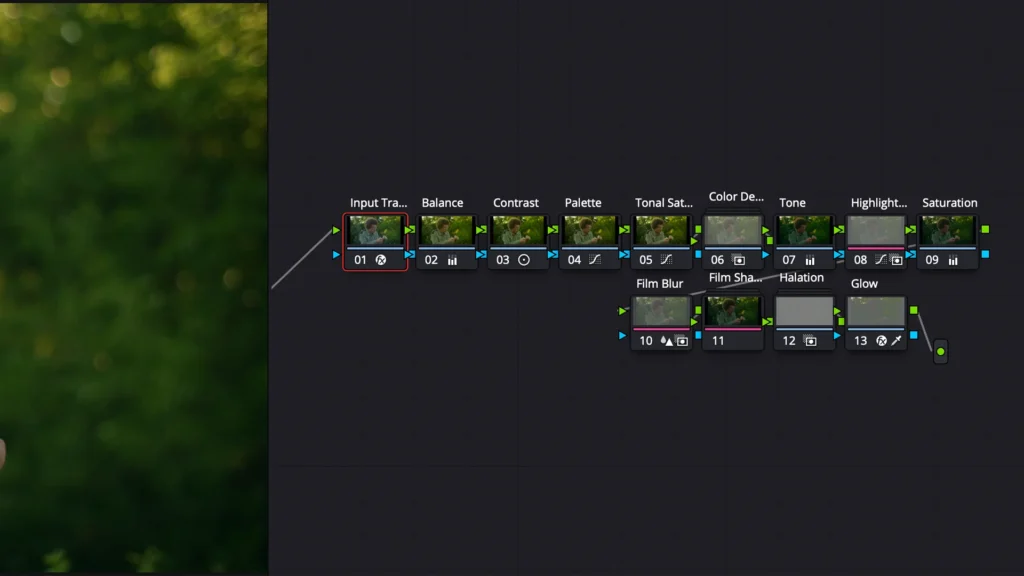
Every MovieX PowerGrade is built as an editable node tree, giving you control over how the final image comes together. From balancing exposure and shaping contrast to refining colour, controlling highlights, and adding film-inspired finishing, each stage has its own place in the workflow.
Choose between two versions of every look: Pure Nodes, a streamlined 7-node setup focused on colour grading, or Film Finishing Nodes, an extended 13-node workflow featuring colour density, highlight roll-off, film blur, film sharpening, halation, and glow.
No flattened effects. No locked-in look. Just a structured grading workflow that lets you fine-tune the colour, adjust the finishing, and make every PowerGrade work for your footage.
Choose a look
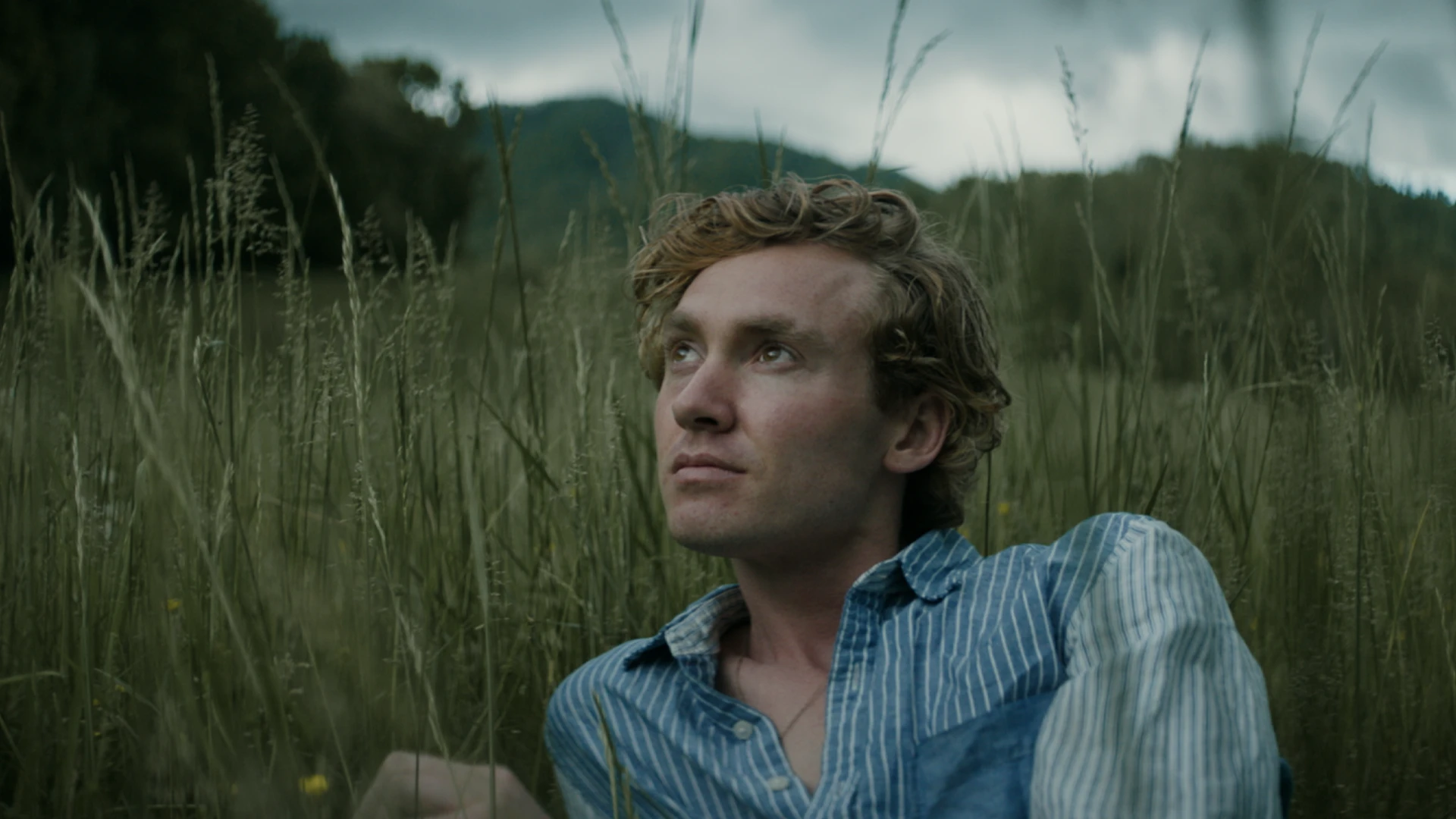
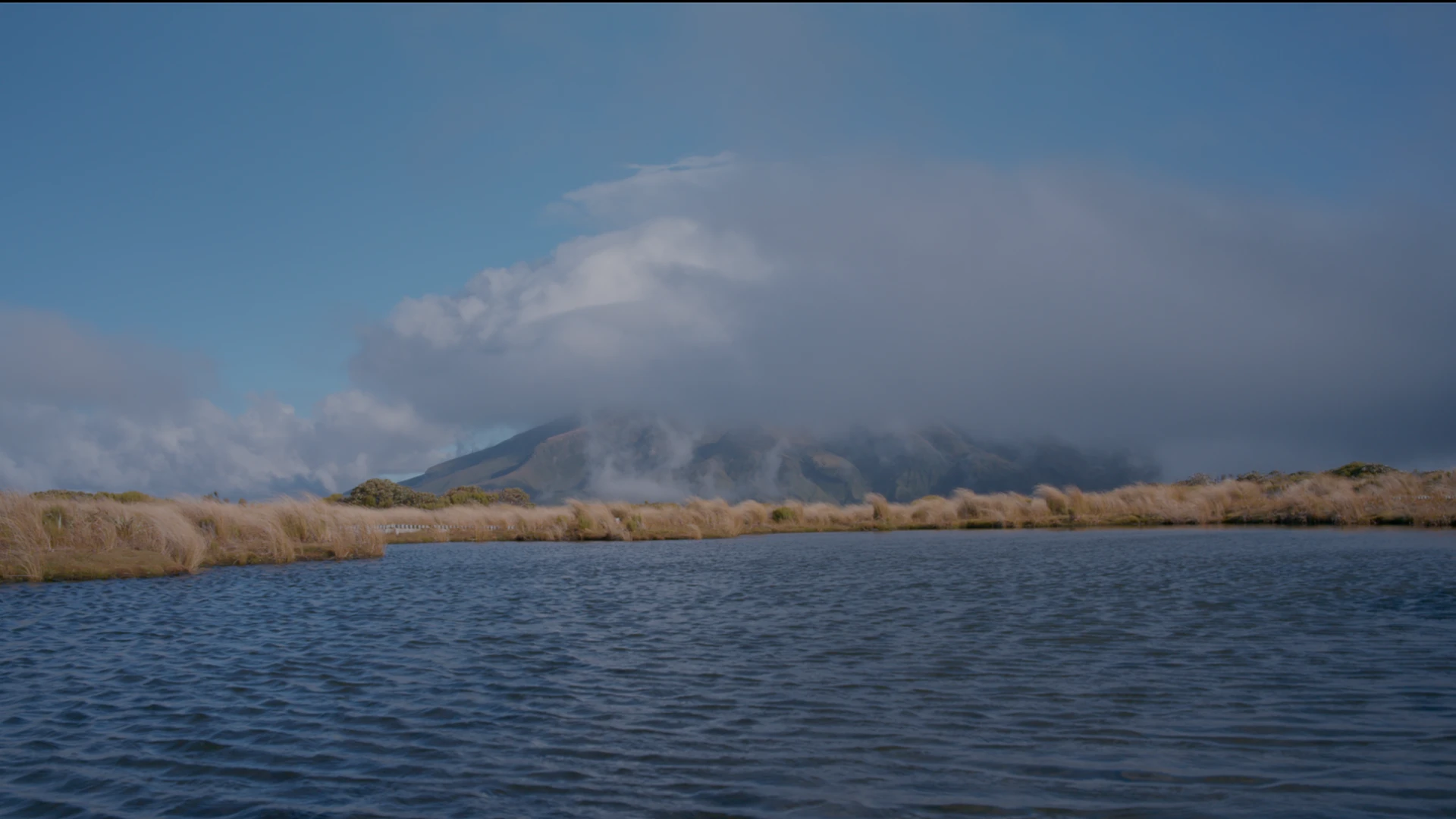
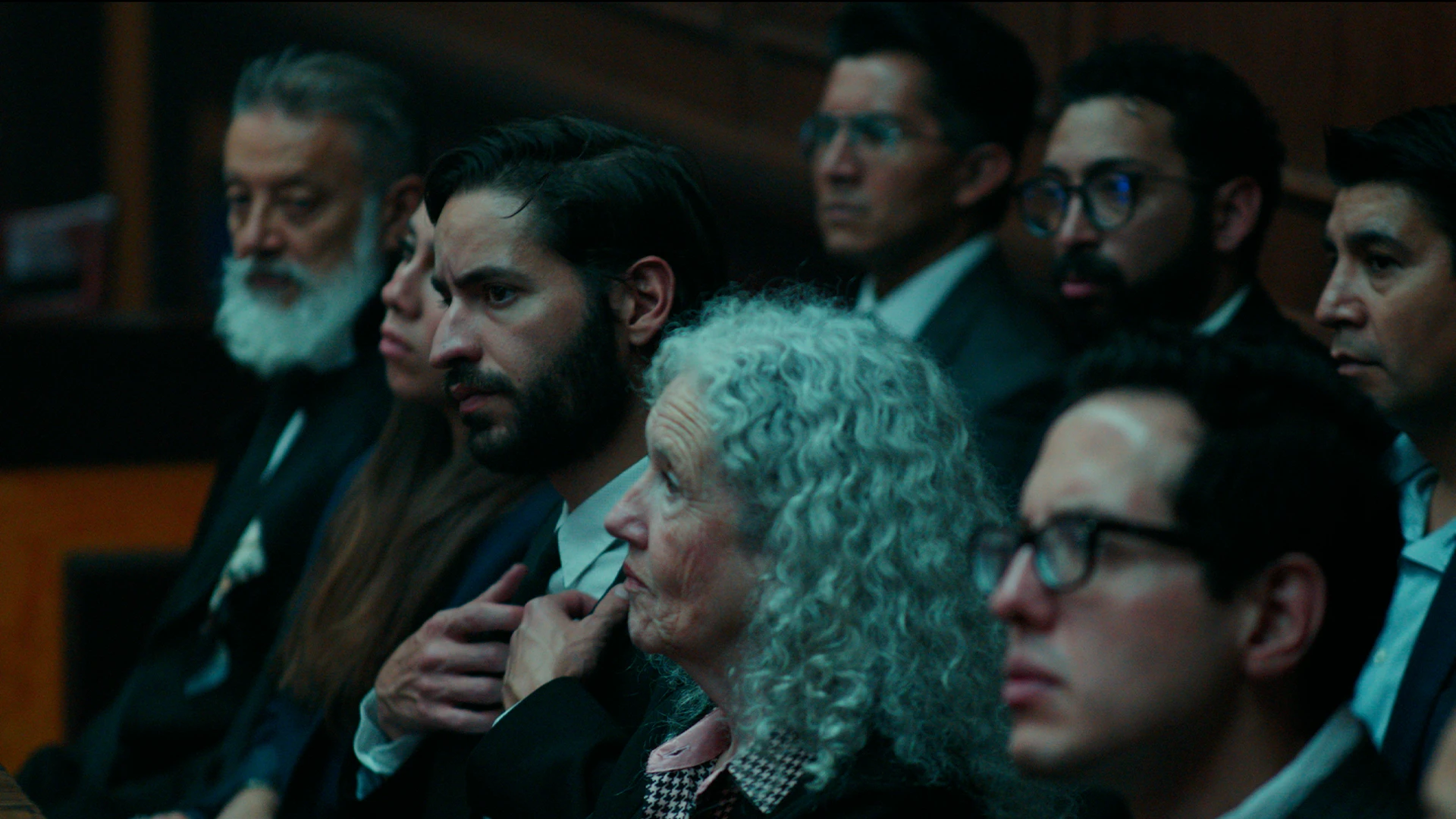

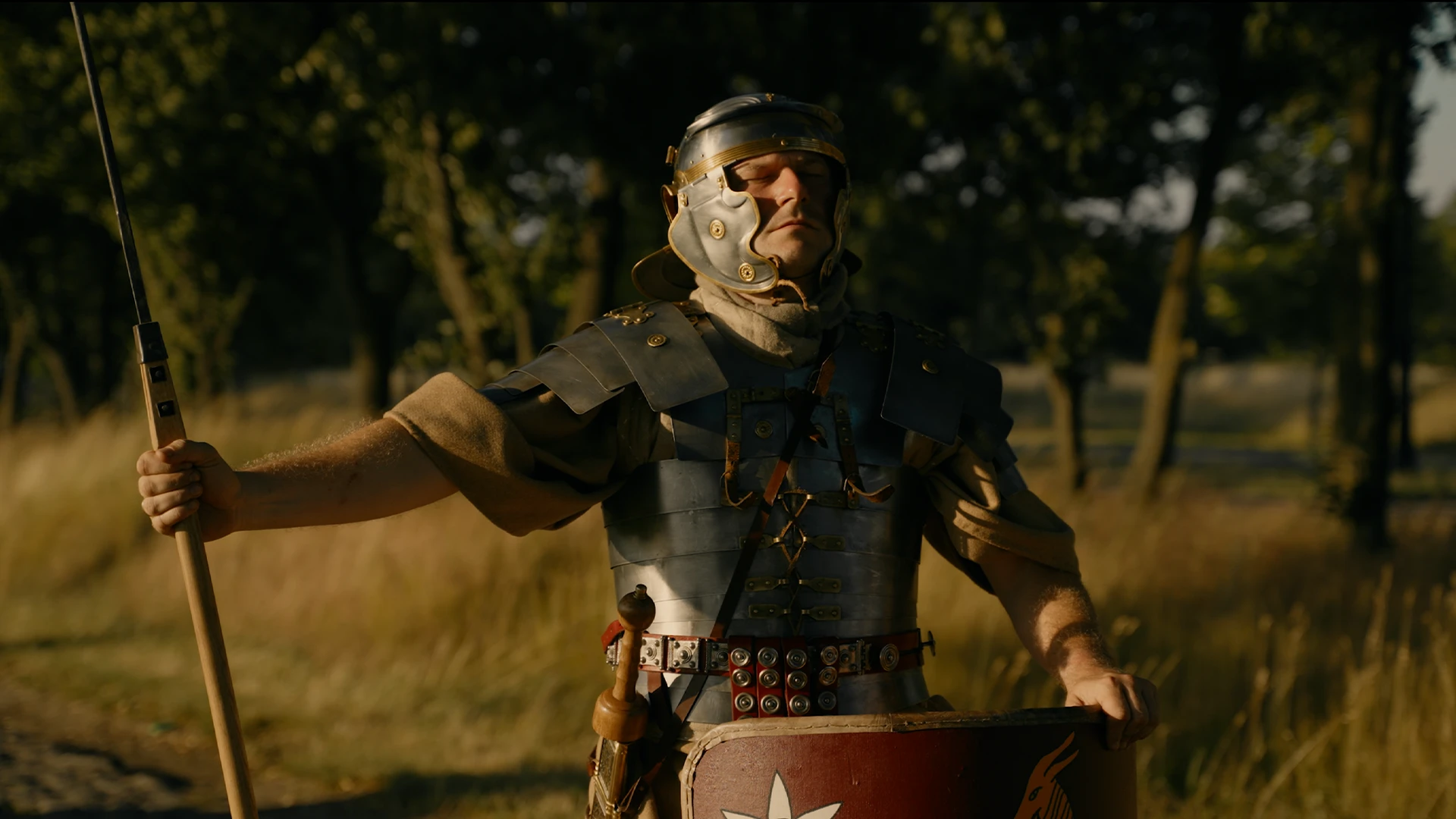
01 ——— Movie look
Odyssey Look
5 PowerGrades for DaVinci Resolve
Some films you don't just watch. You feel the salt, the smoke, the cold light before a storm.
We studied that look frame by frame and rebuilt it inside Resolve: the dense shadows, the creamy highlights, the skies that go pale instead of teal. It is built from nodes you can open, read and make your own, with no LUTs.
Five grades. One world.
01
Overcast
Heavy skies, soft cream highlights, quiet colour.
02
Golden Shore
Warm sun on skin, pale washed skies.
03
Night Watch
Deep blue night where lamps and fire stay warm.
04
Firelight
Amber faces falling into true black.
05
Open Sea
Rich, deep water and hard daylight.

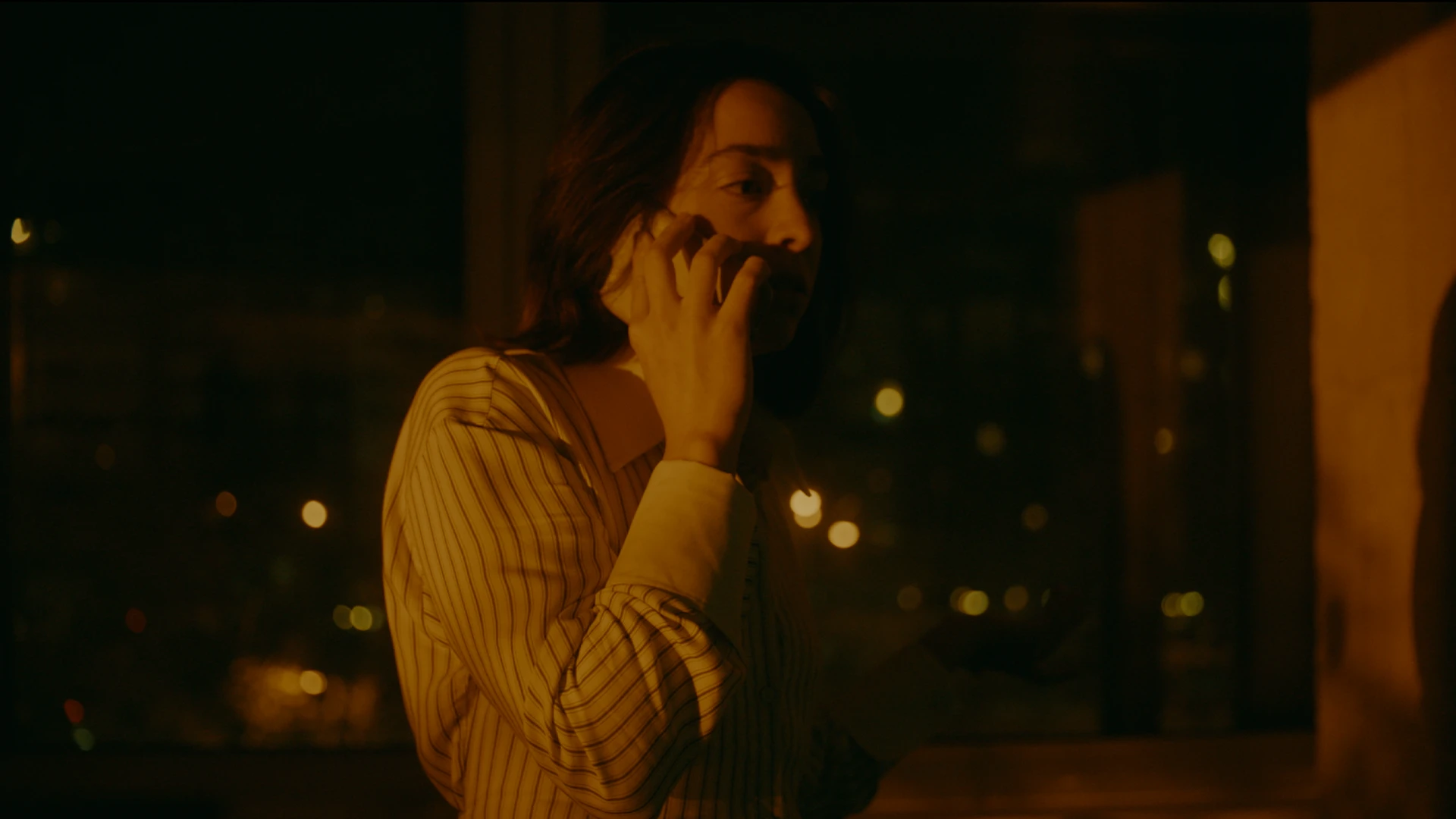
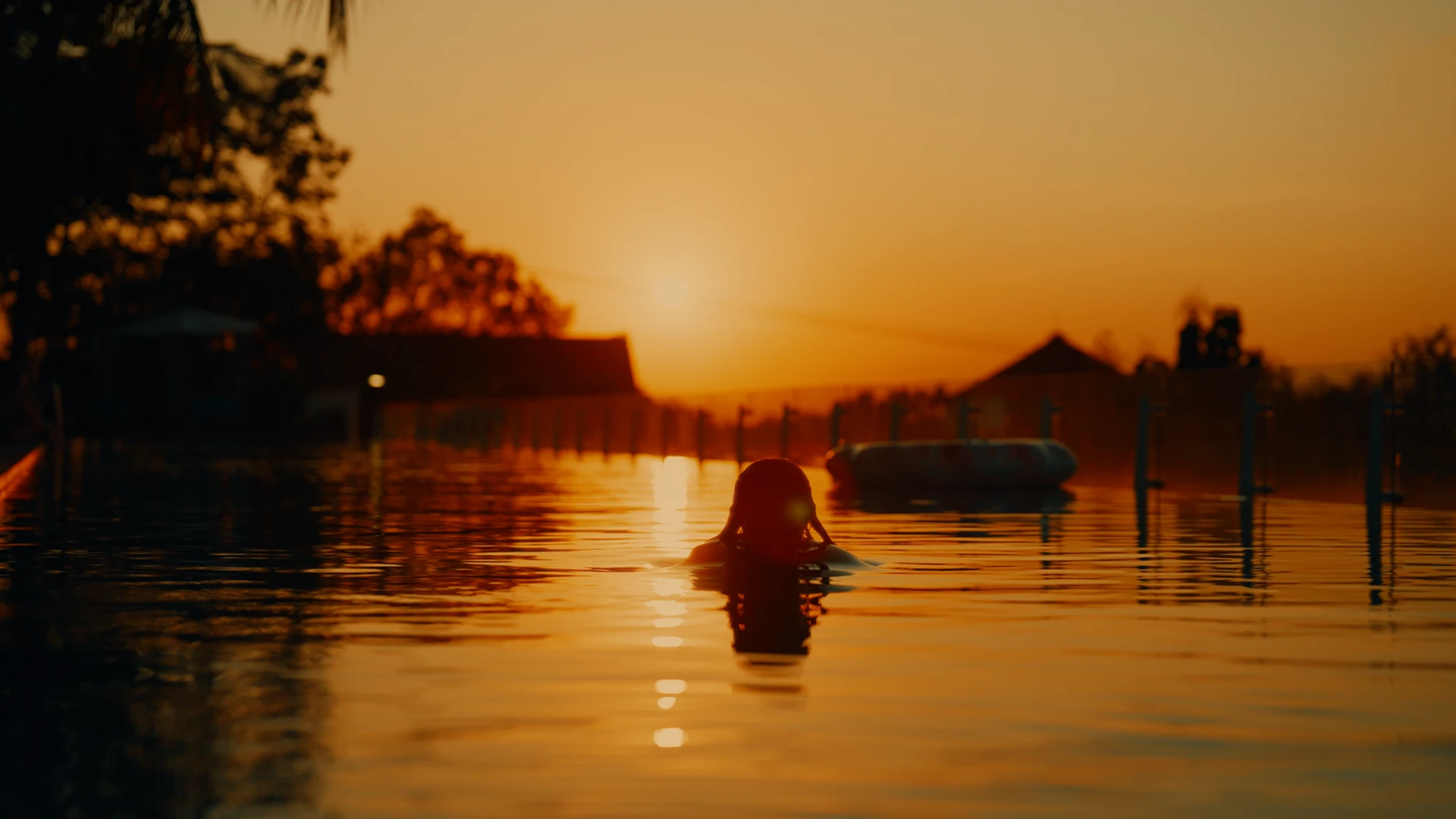
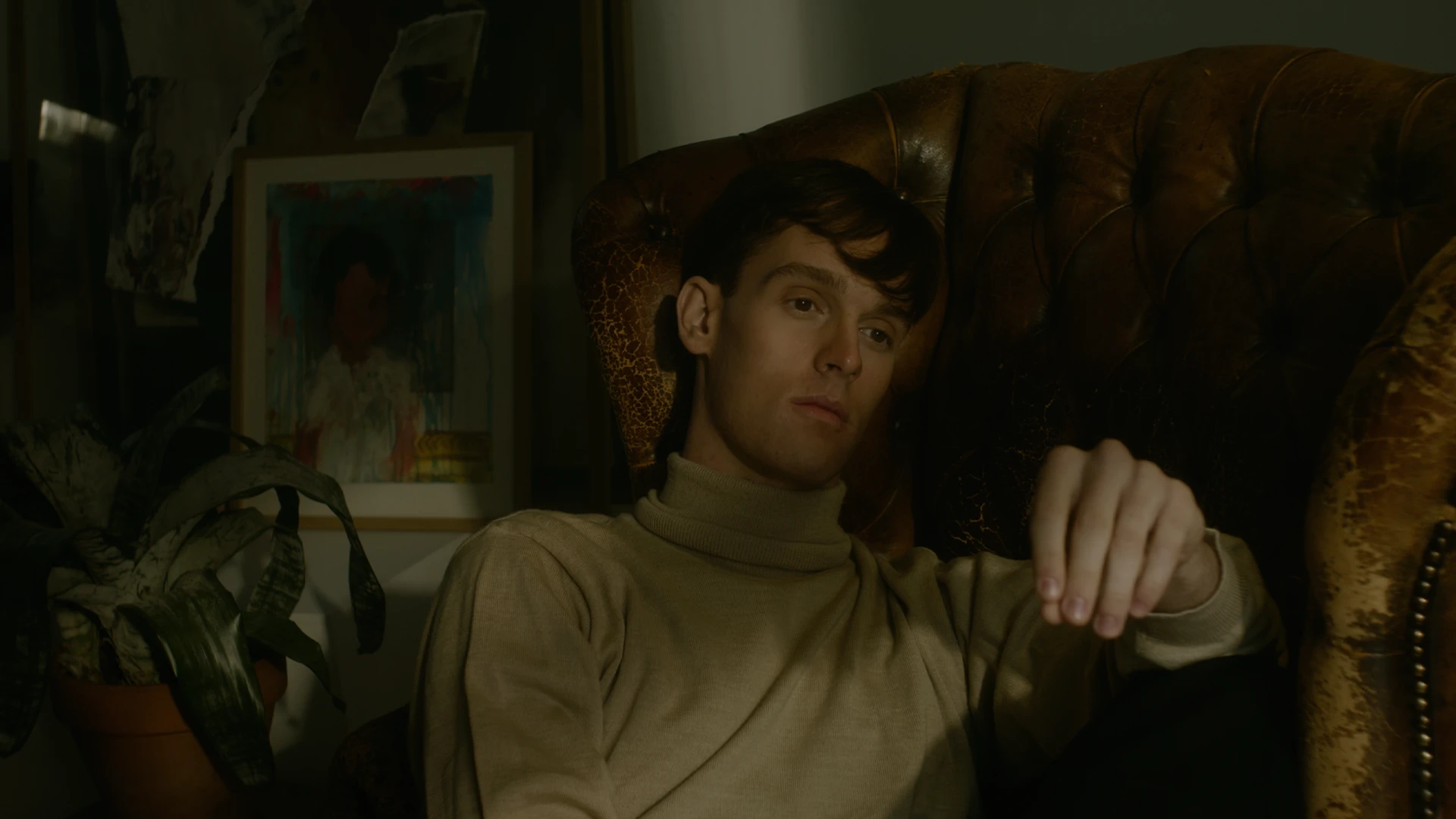
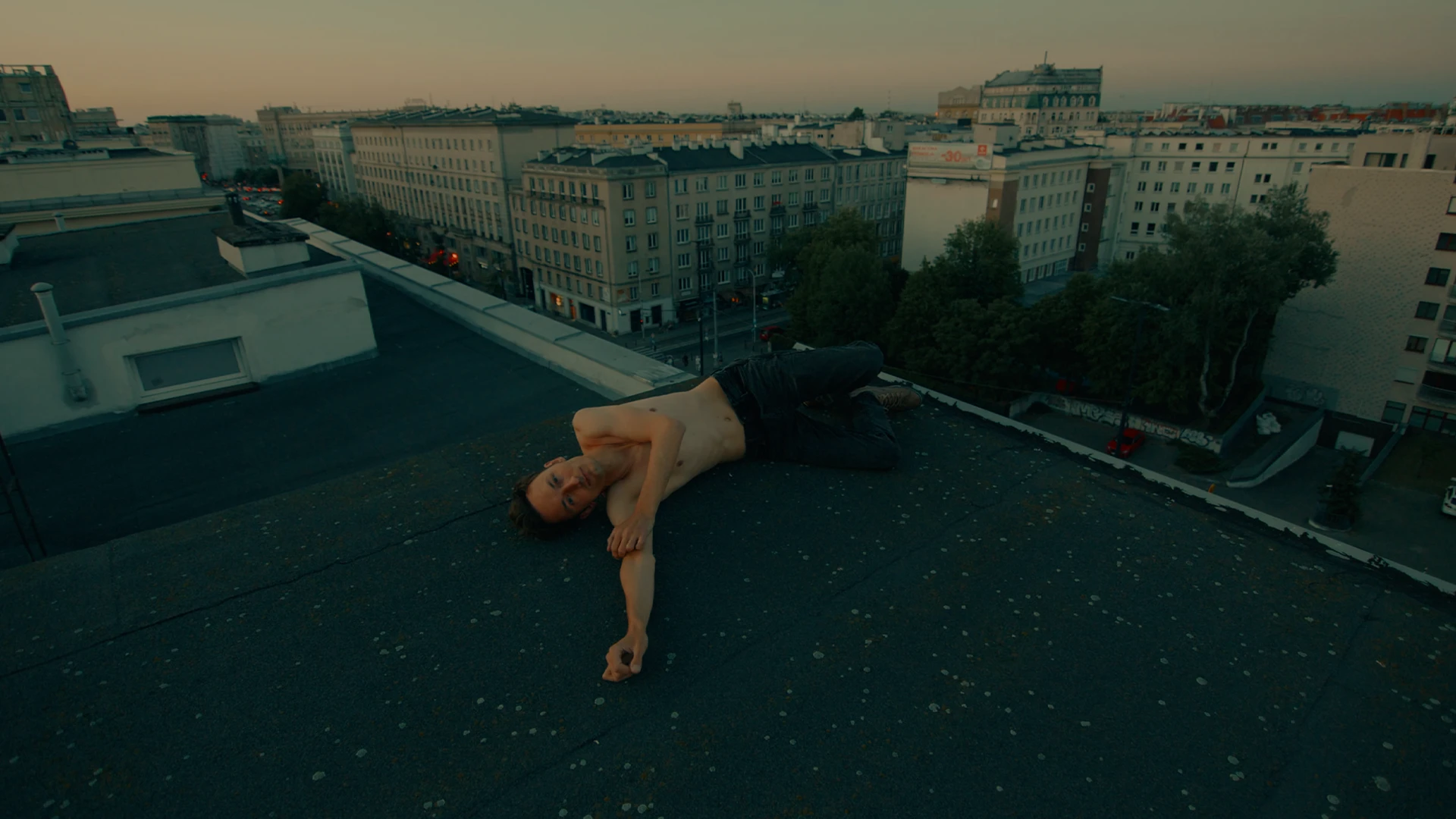
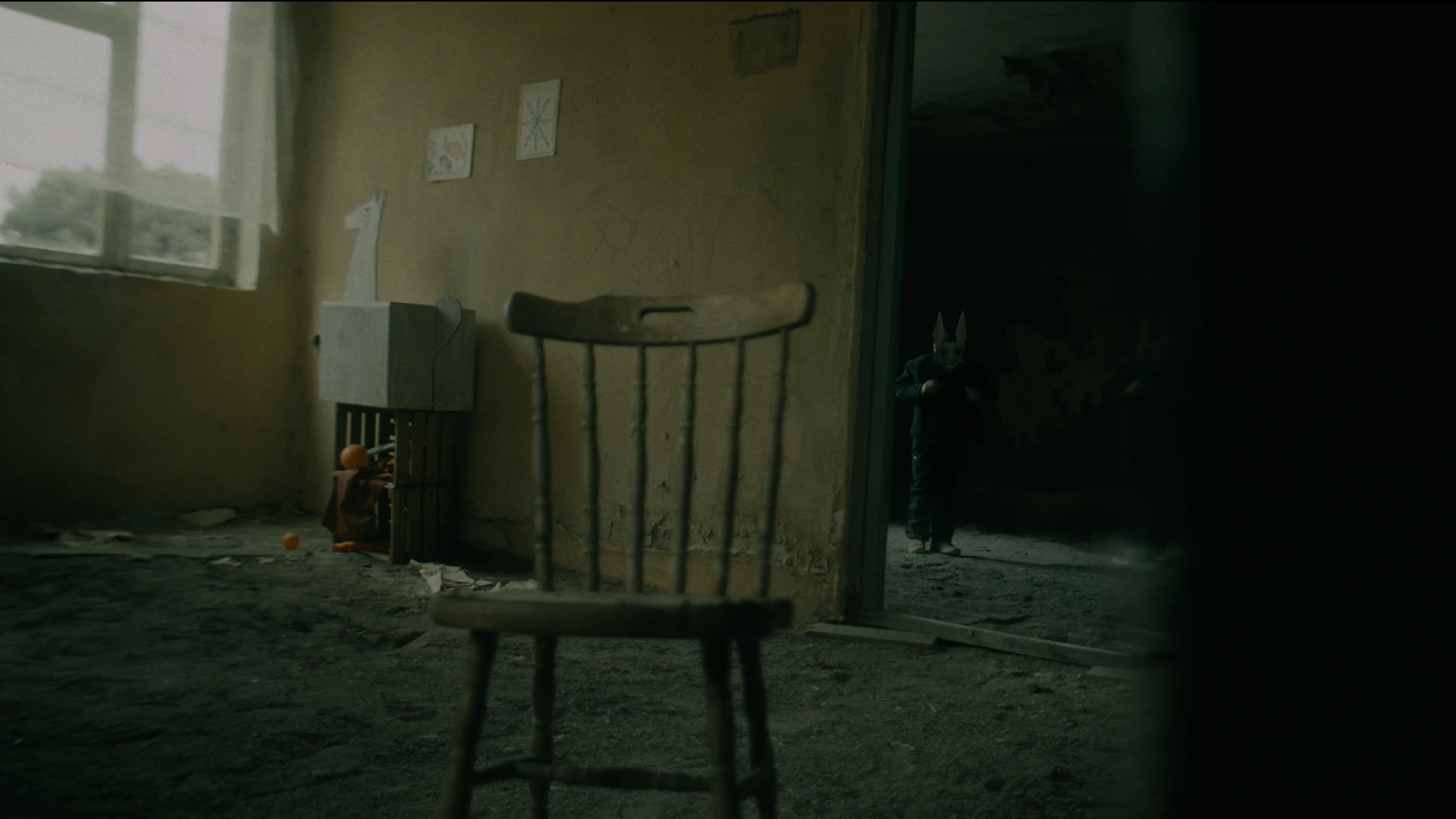
02 ——— Movie look
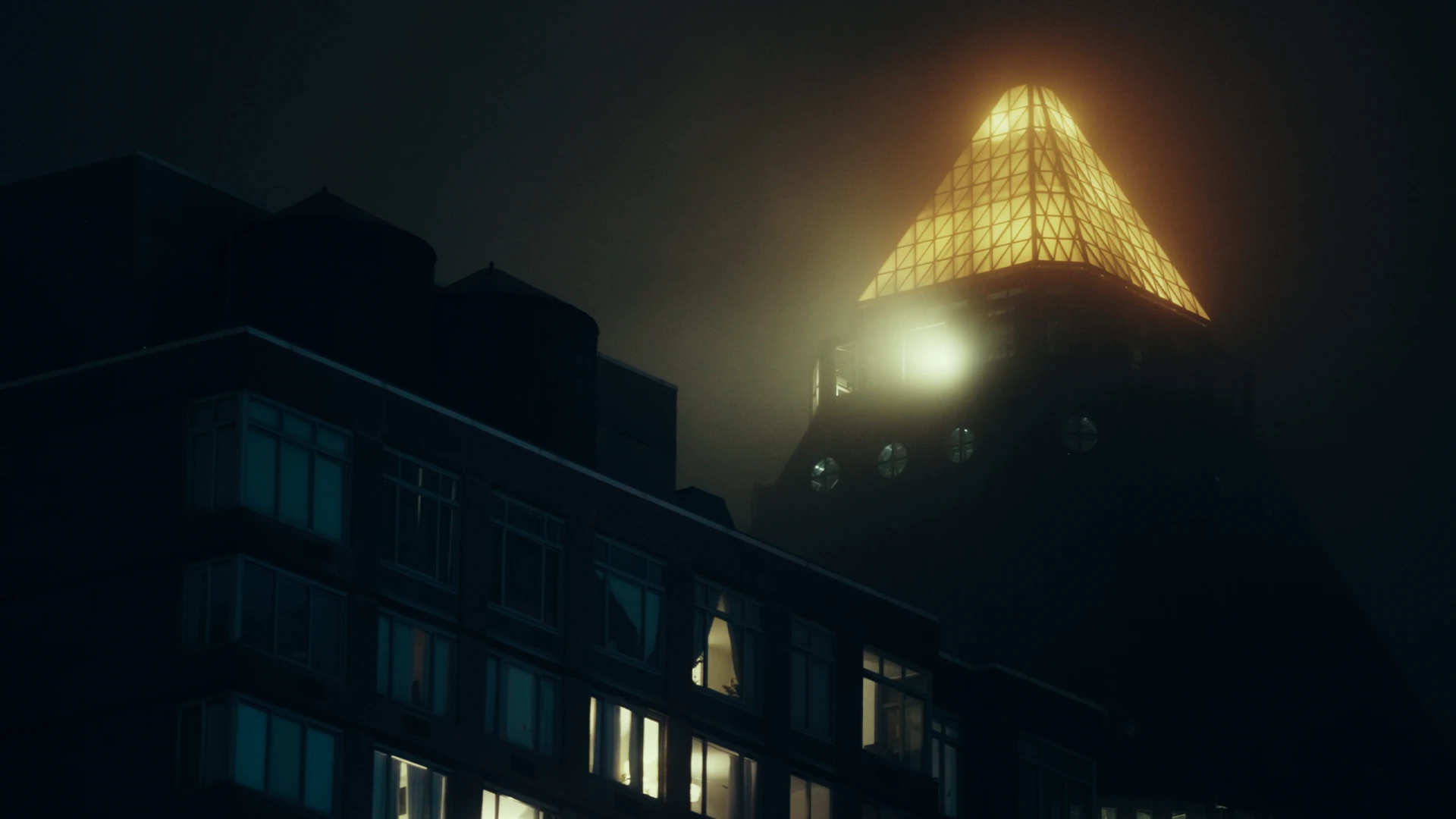
The Batman Look
8 PowerGrades for DaVinci Resolve
A city that never quite sees daylight. Even at noon the image sits low, as if it were holding its breath.
We rebuilt that weight inside Resolve: blacks that lift toward green instead of crushing, highlights that stop well short of white, and colour drained until only sodium amber, red neon and a bruised sunrise are left to speak. Every node is open, so you can read it, bend it and make it your own, with no LUTs.
Eight grades. One world.
01
Lamplight
Small pools of tungsten in rooms that stay mostly dark.
02
Sodium
Streetlight amber burning through a colourless night.
03
Subway
Hard underground light on steel and tile.
04
Cave
Cold stone dark with the faintest glow.
05
Overcast
Daylight with the sun taken out, dense and grey.
06
Dusk
The last light of the day sinking into ink.
07
Red Room
Red neon swallowing everything but the shadows.
08
Sunrise
Burnt orange sky over a city still in silhouette.
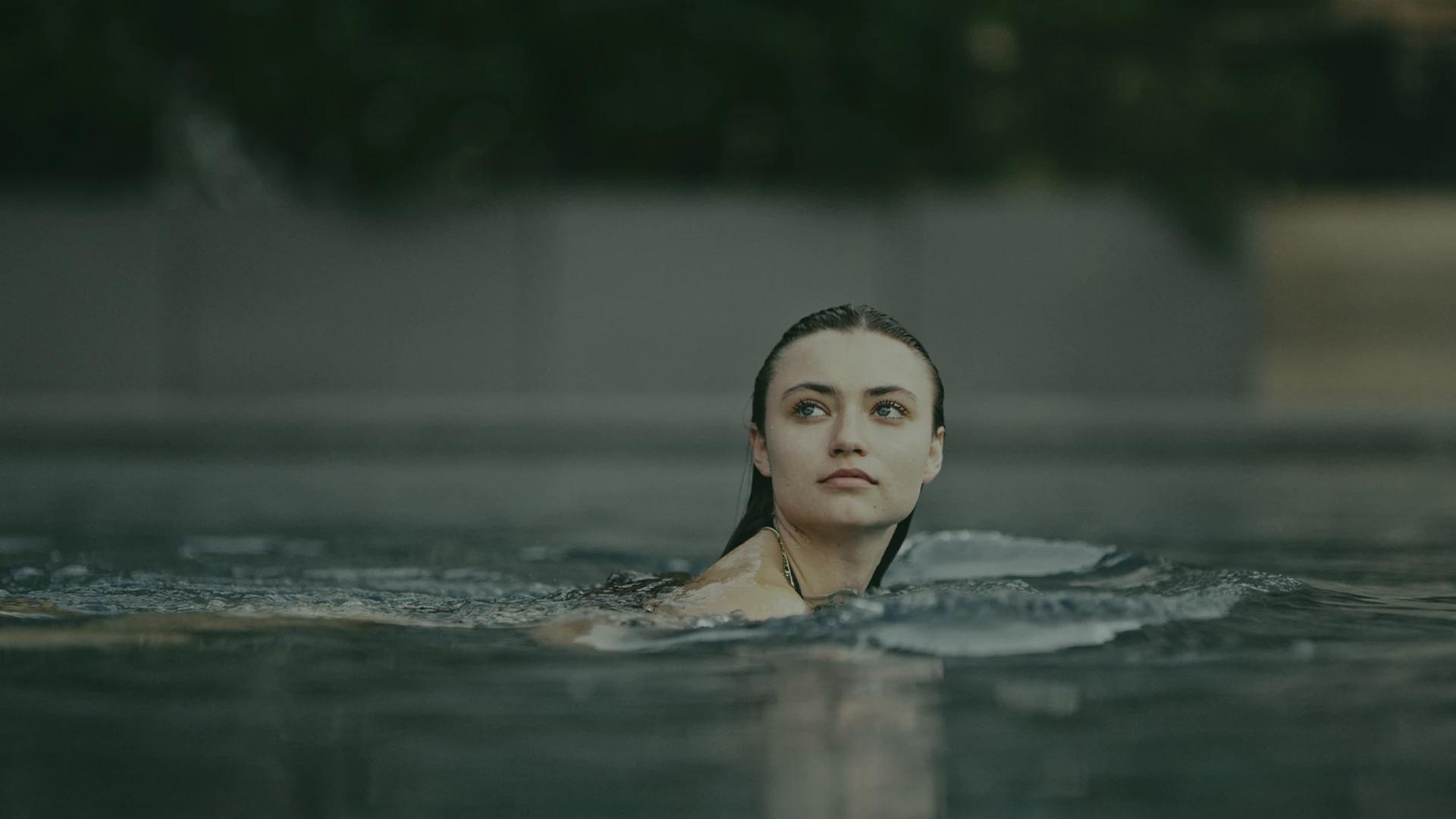
03 ——— Movie look
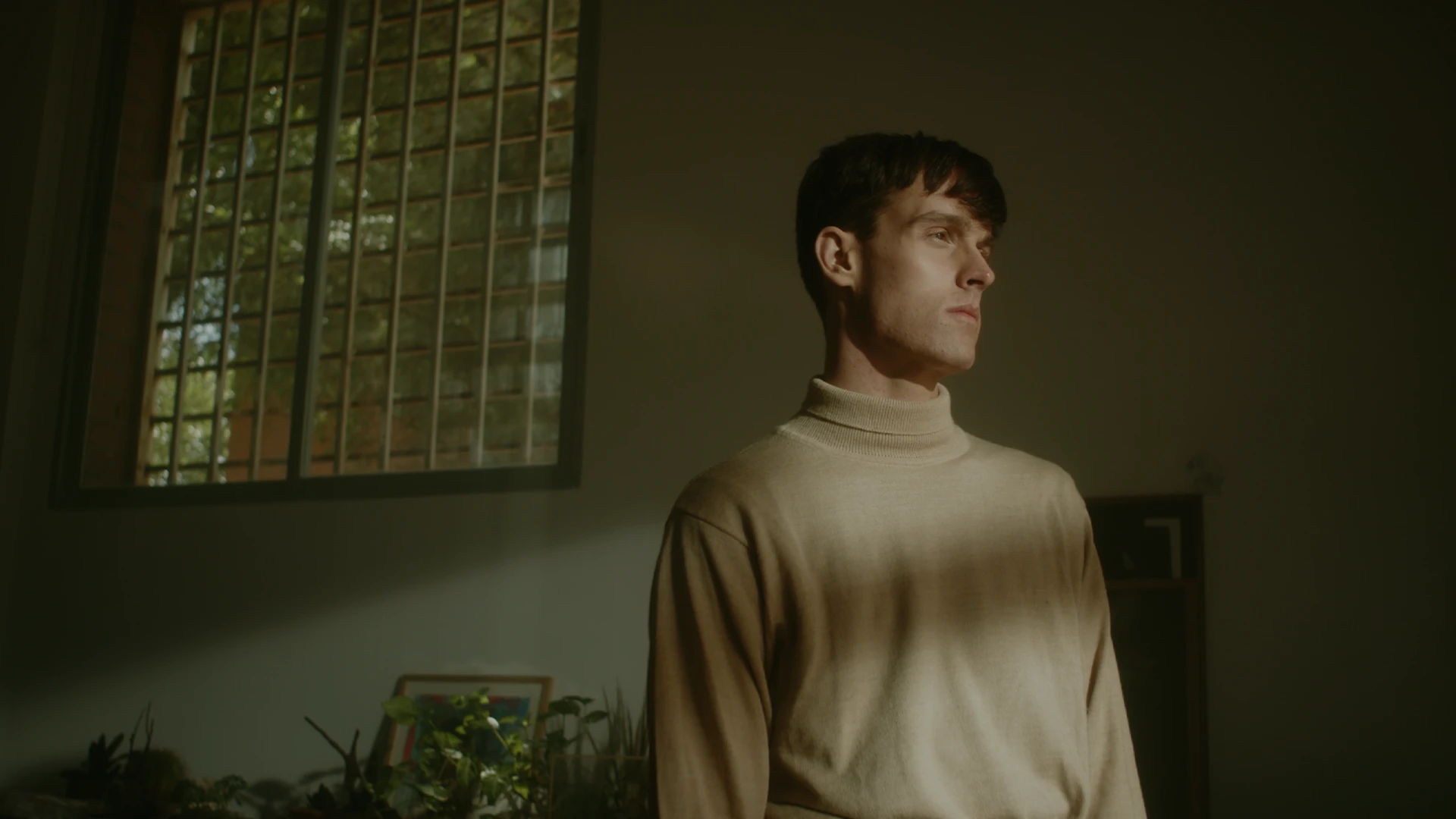
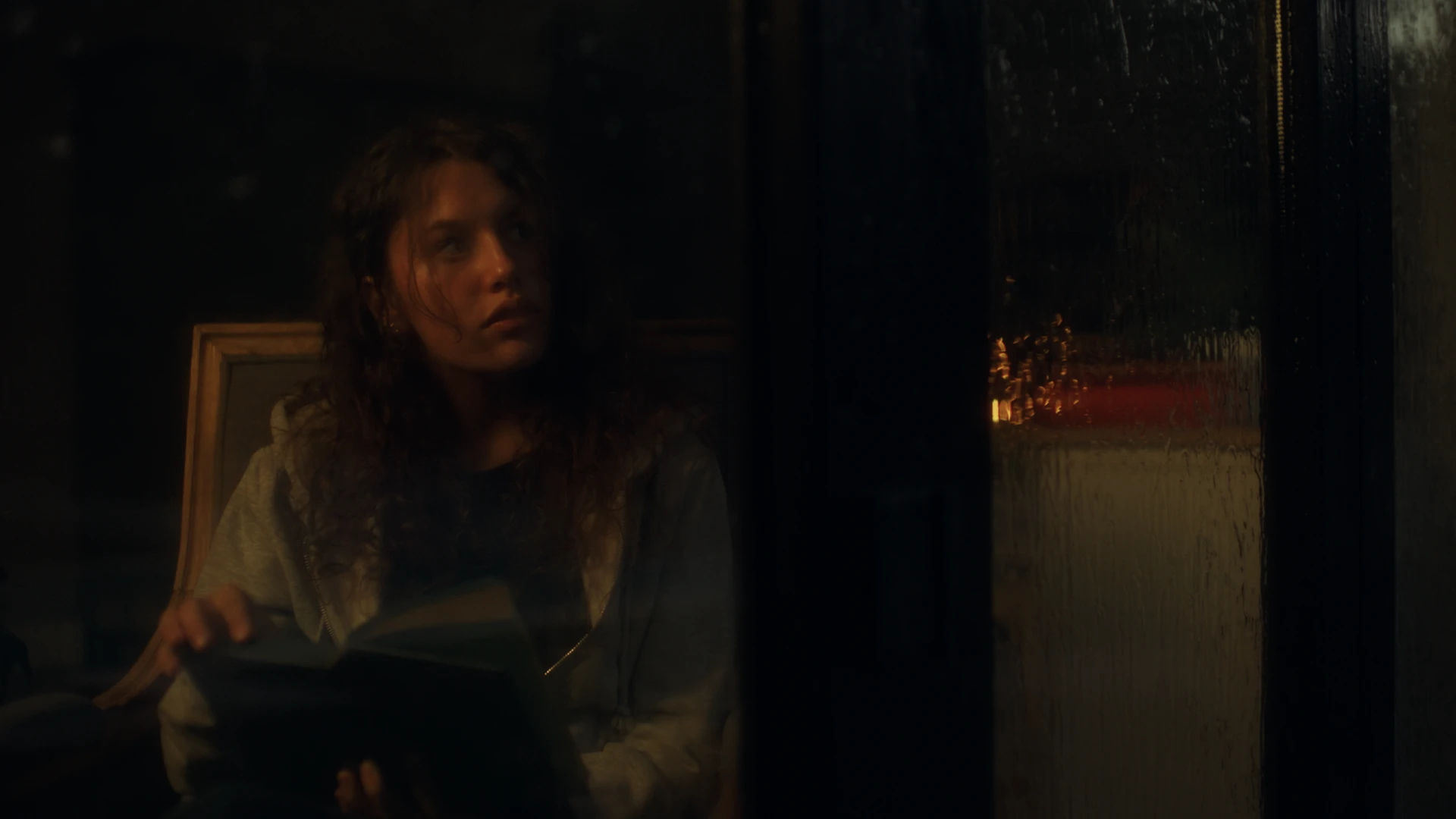
The Brutalist Look
6 PowerGrades for DaVinci Resolve
Some pictures feel printed, not graded. Thick, patient and a little weathered, like a photograph that has lived in a drawer for fifty years.
We rebuilt that density inside Resolve: blacks that never fully close and carry a breath of green, whites that settle into paper instead of clipping, mids that lean yellow-green while reds and ambers stay rich. Foliage turns lush and warm, blues drift toward cyan, and purple quietly leaves the palette. All of it is open nodes, with no LUTs.
Six grades. One world.
01
Green Room
Shadowed interiors with green sitting in the walls and the blacks.
02
Window Light
Soft daylight falling into a dim room.
03
Amber
Lamp-warm interiors, wood and skin in deep honey.
04
Sunlit
Hard sun, paper whites and a cyan-leaning sky.
05
Garden
Lush foliage pulled toward yellow, gentle on skin.
06
Dusk
Fading light, heavy and quiet.

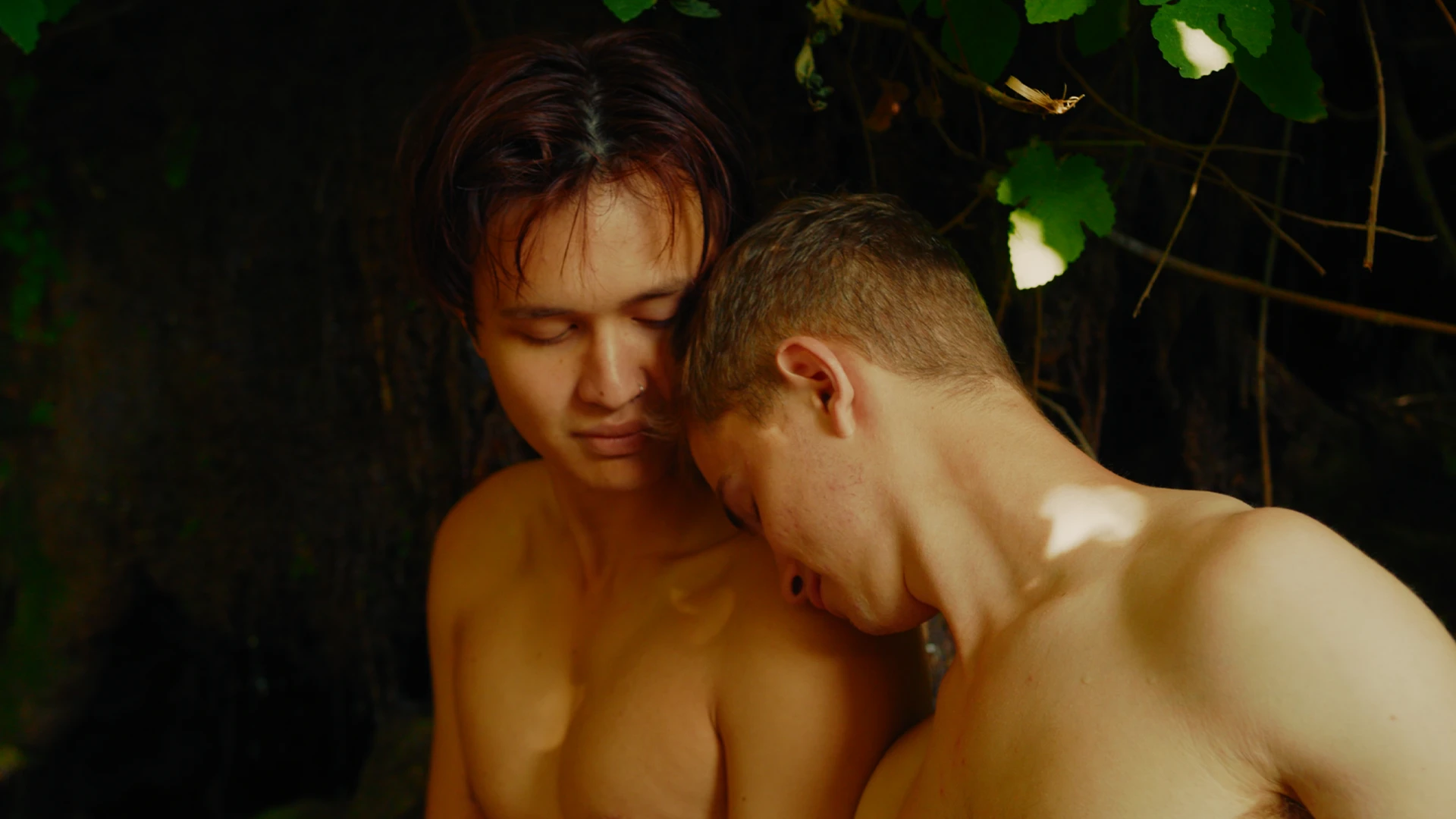
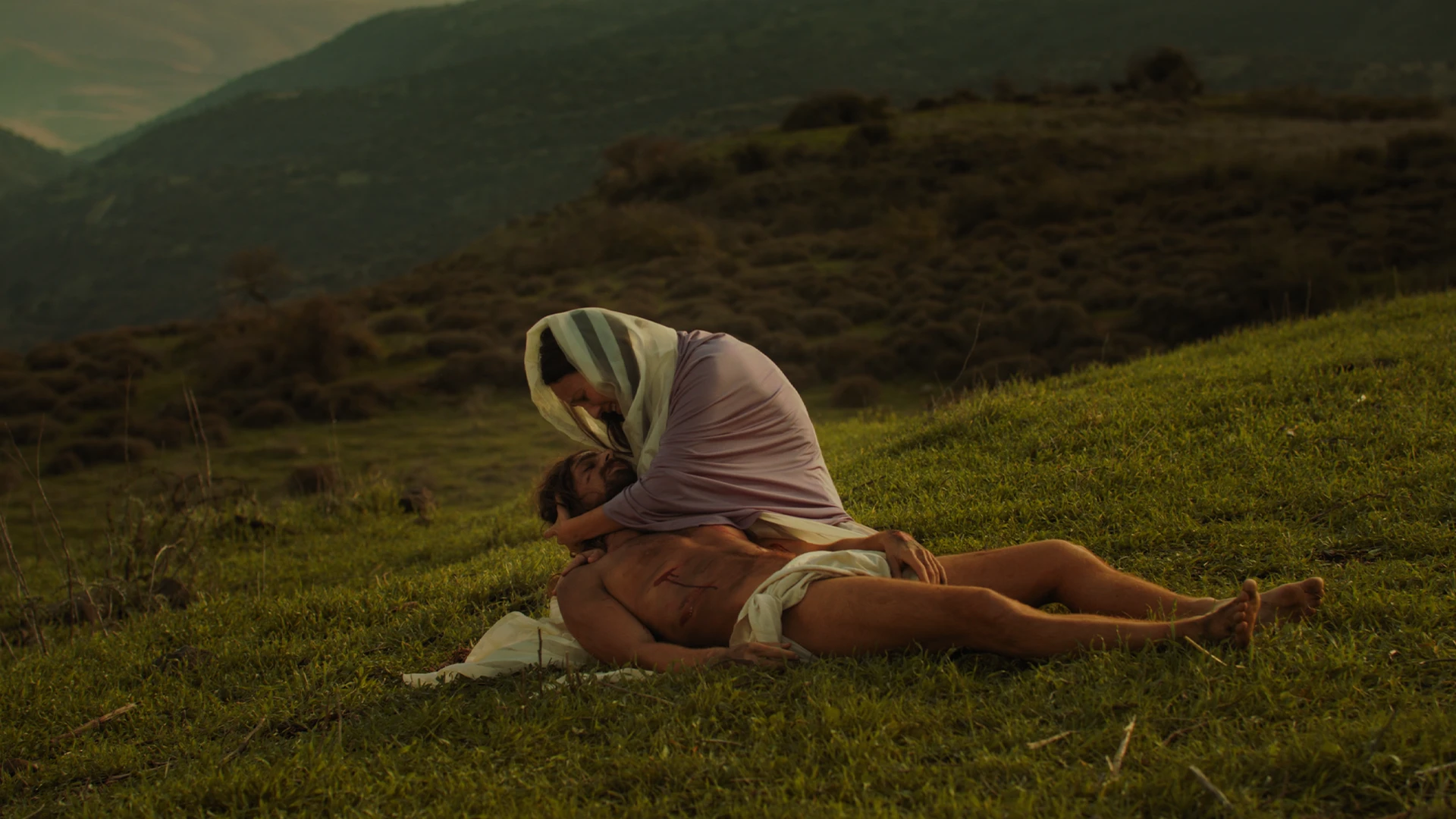
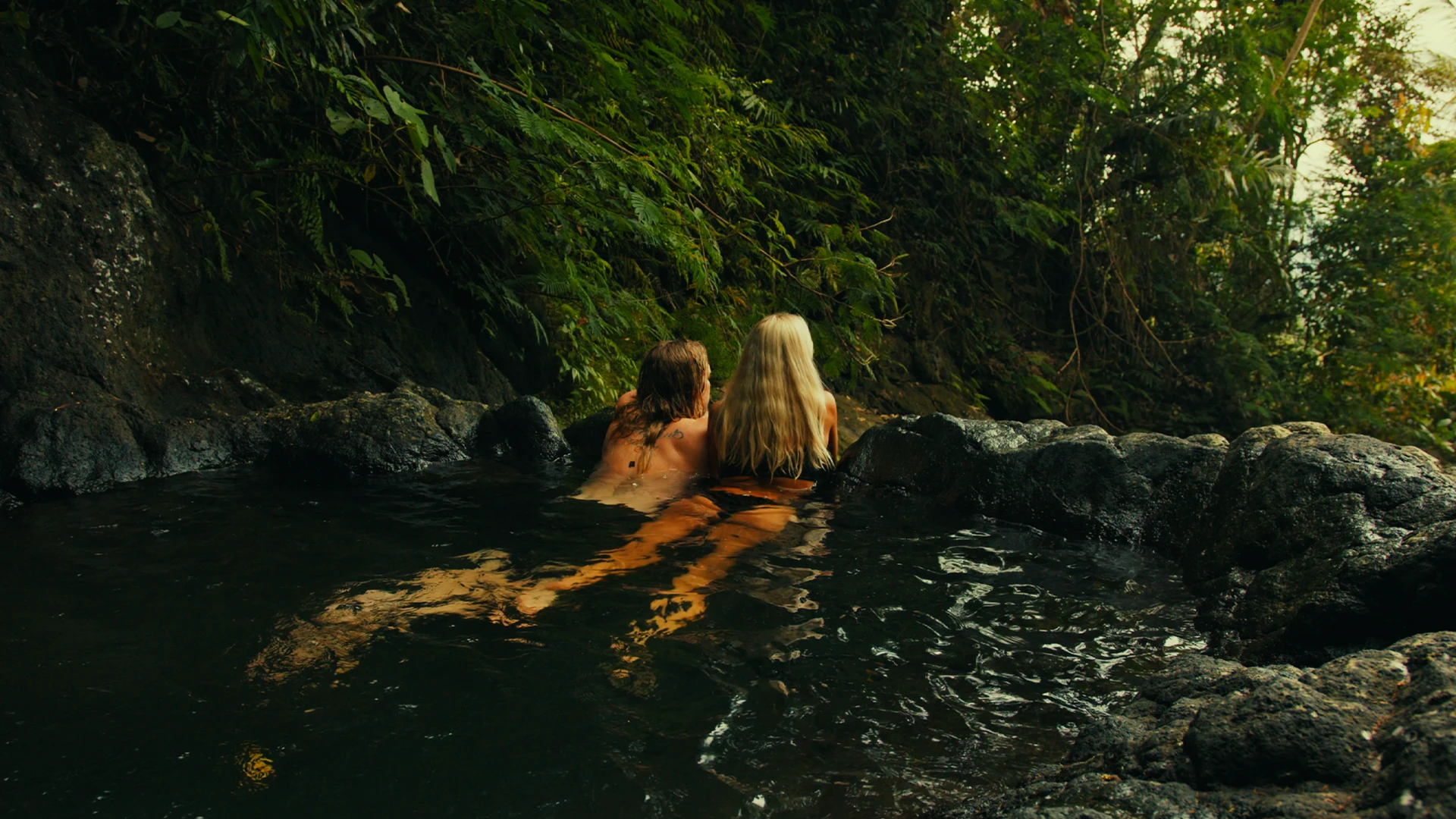
04 ——— Movie look
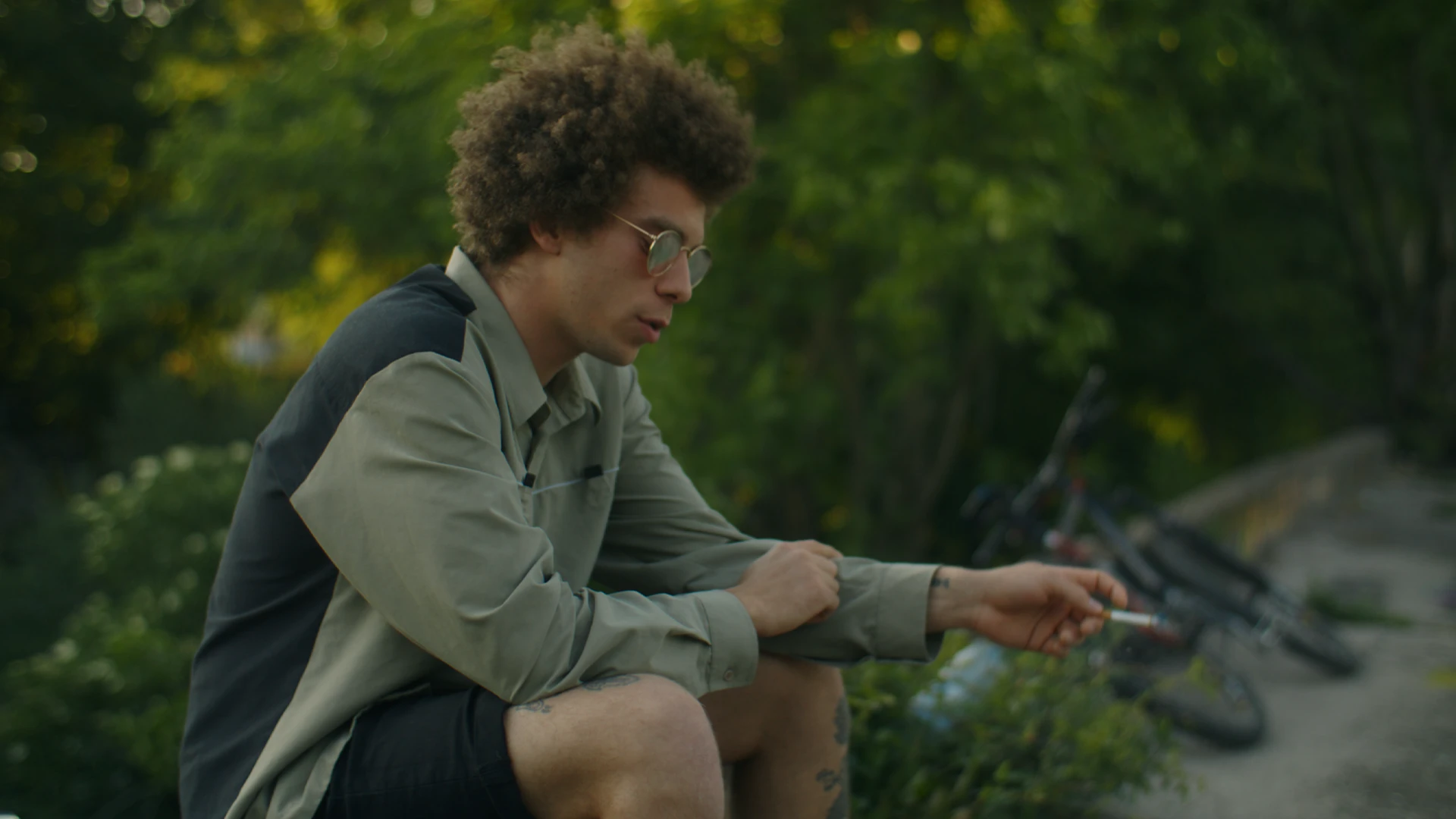
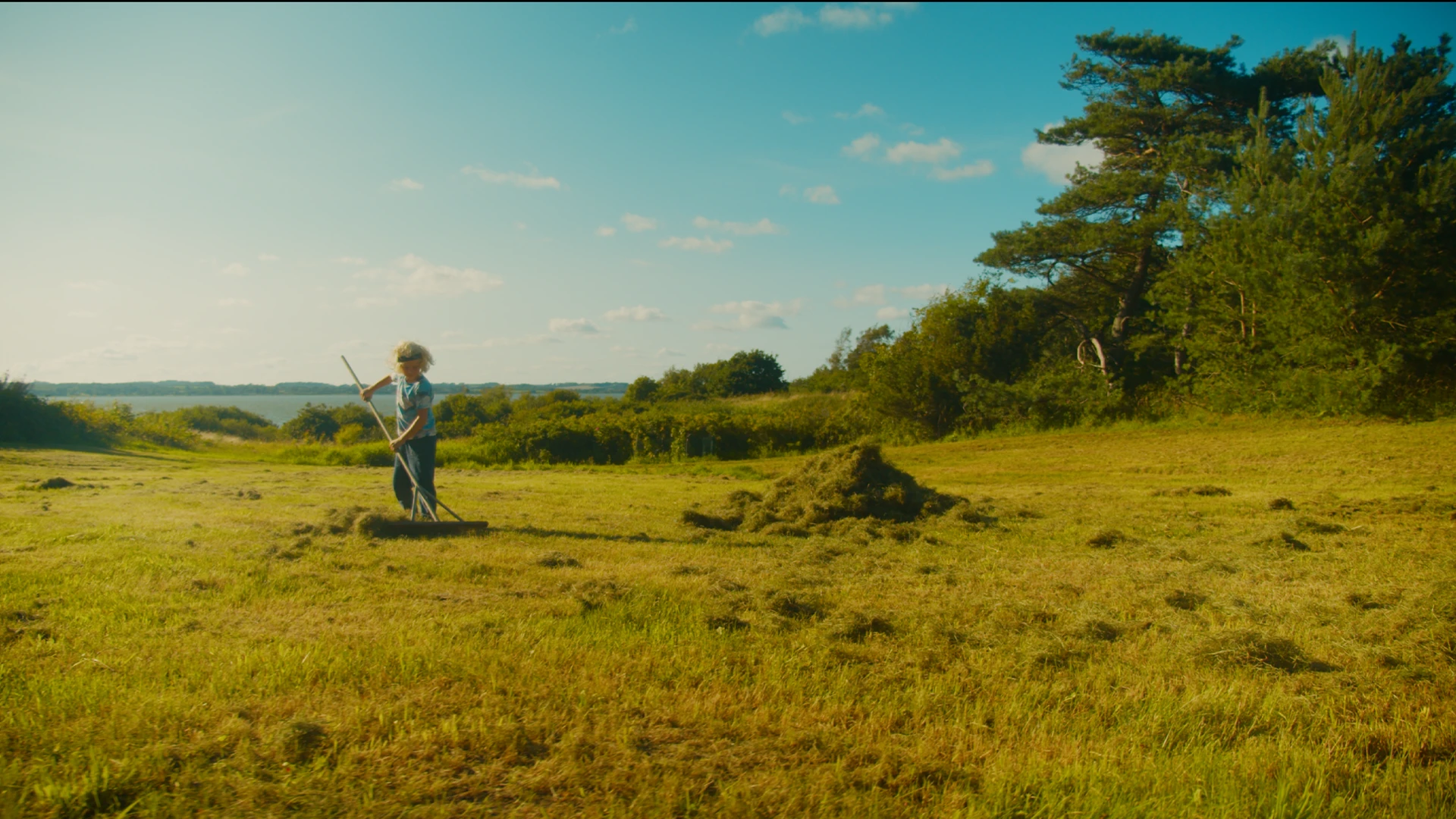
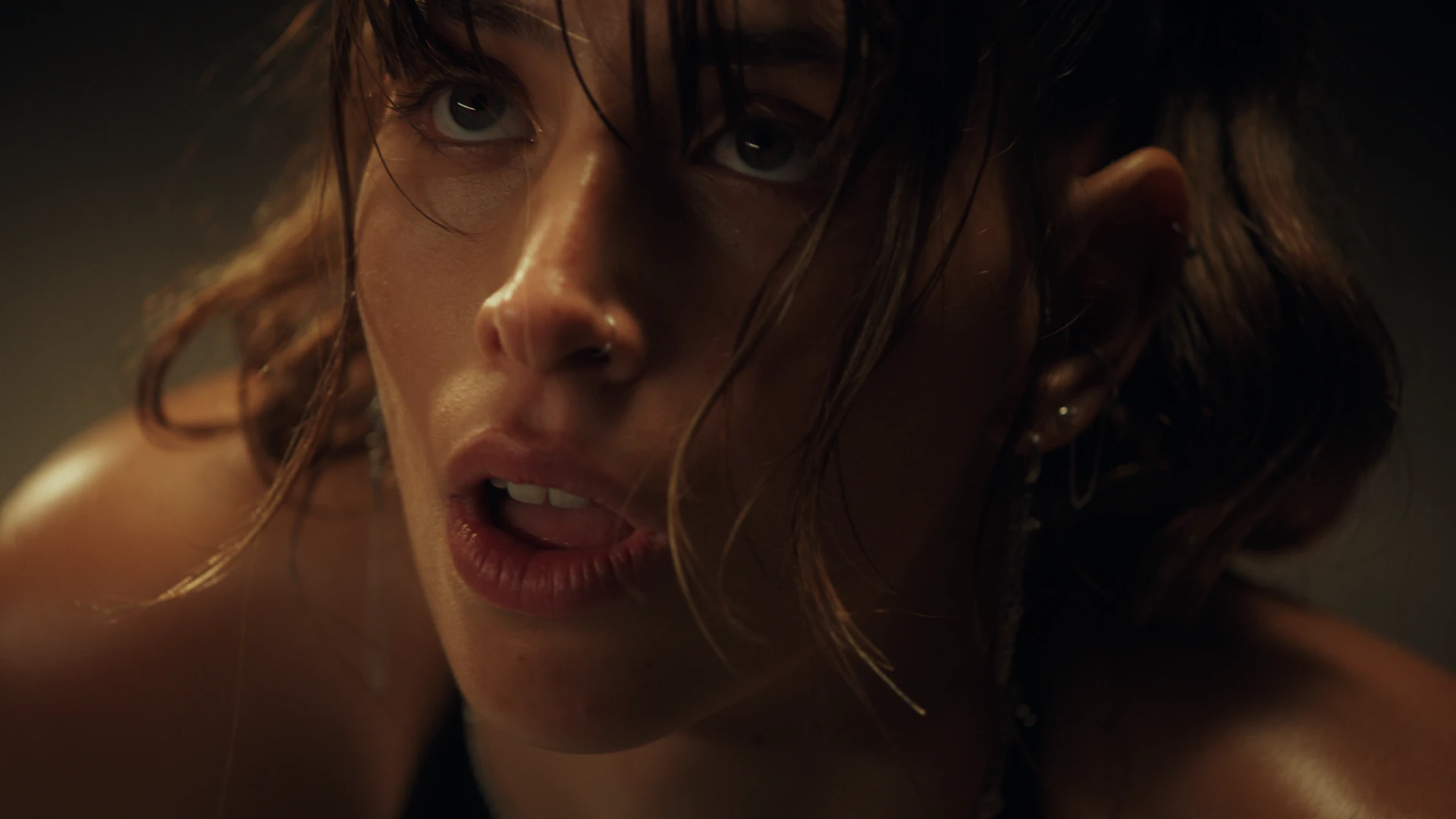
Saltburn Look
8 PowerGrades for DaVinci Resolve
A summer you remember hotter than it was. Skin gilded, grass almost too green, nights so blue they feel wet.
We rebuilt that excess inside Resolve: clean, neutral blacks sitting just above zero, saturation pushed further than is polite, and sunlight that turns to gold from the mids upward while cyans and pinks stay alive. Candlelit rooms glow amber and the nights fall into deep, saturated blue. Open the nodes, read them and make them yours, with no LUTs.
Eight grades. One world.
01
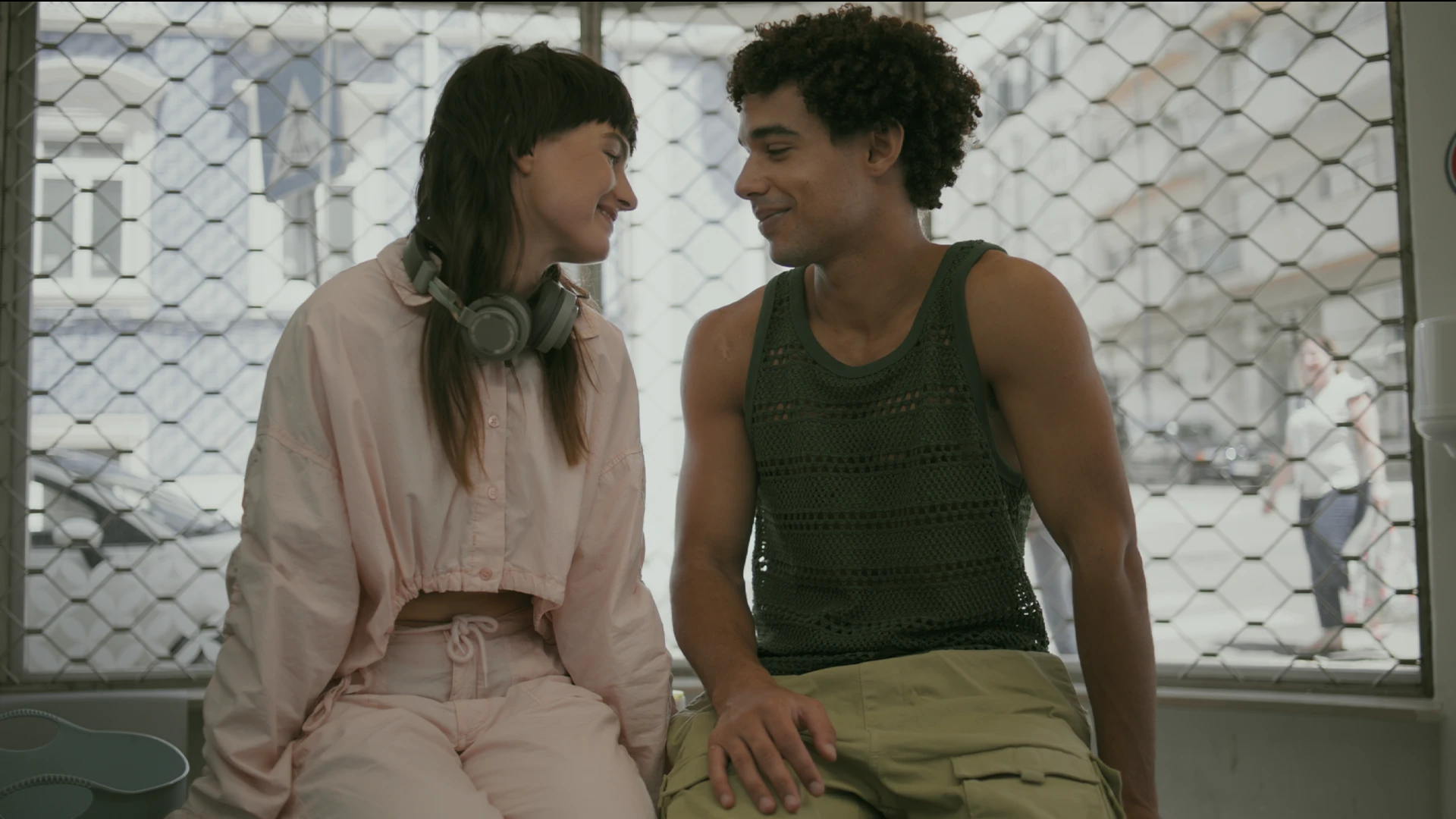
Summer
Full sun, full chroma, gilded skin.
02
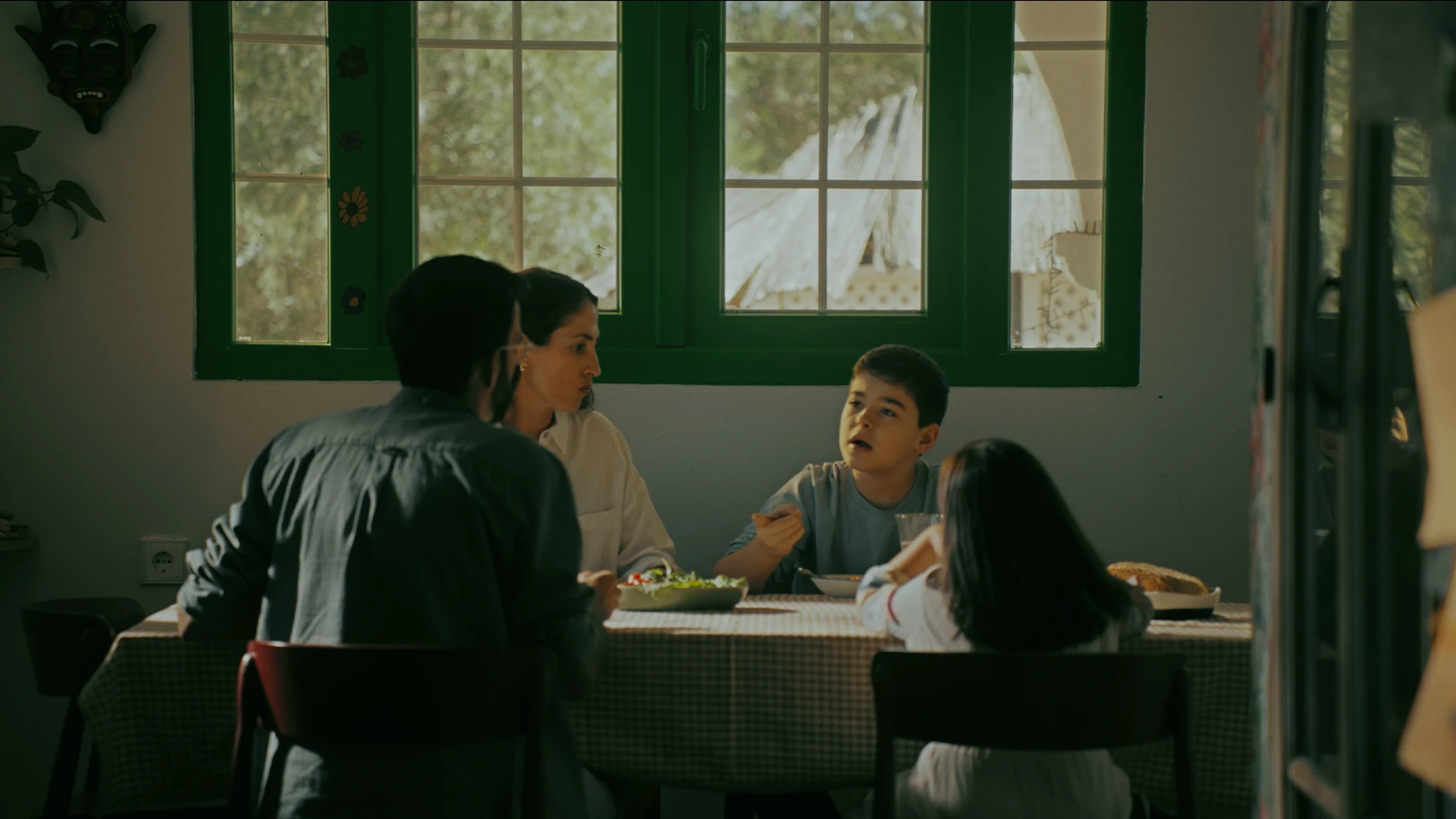
Daylight
A clean bright day with rich, natural greens.
03
Golden Hour
Low sun pouring honey over everything.
04
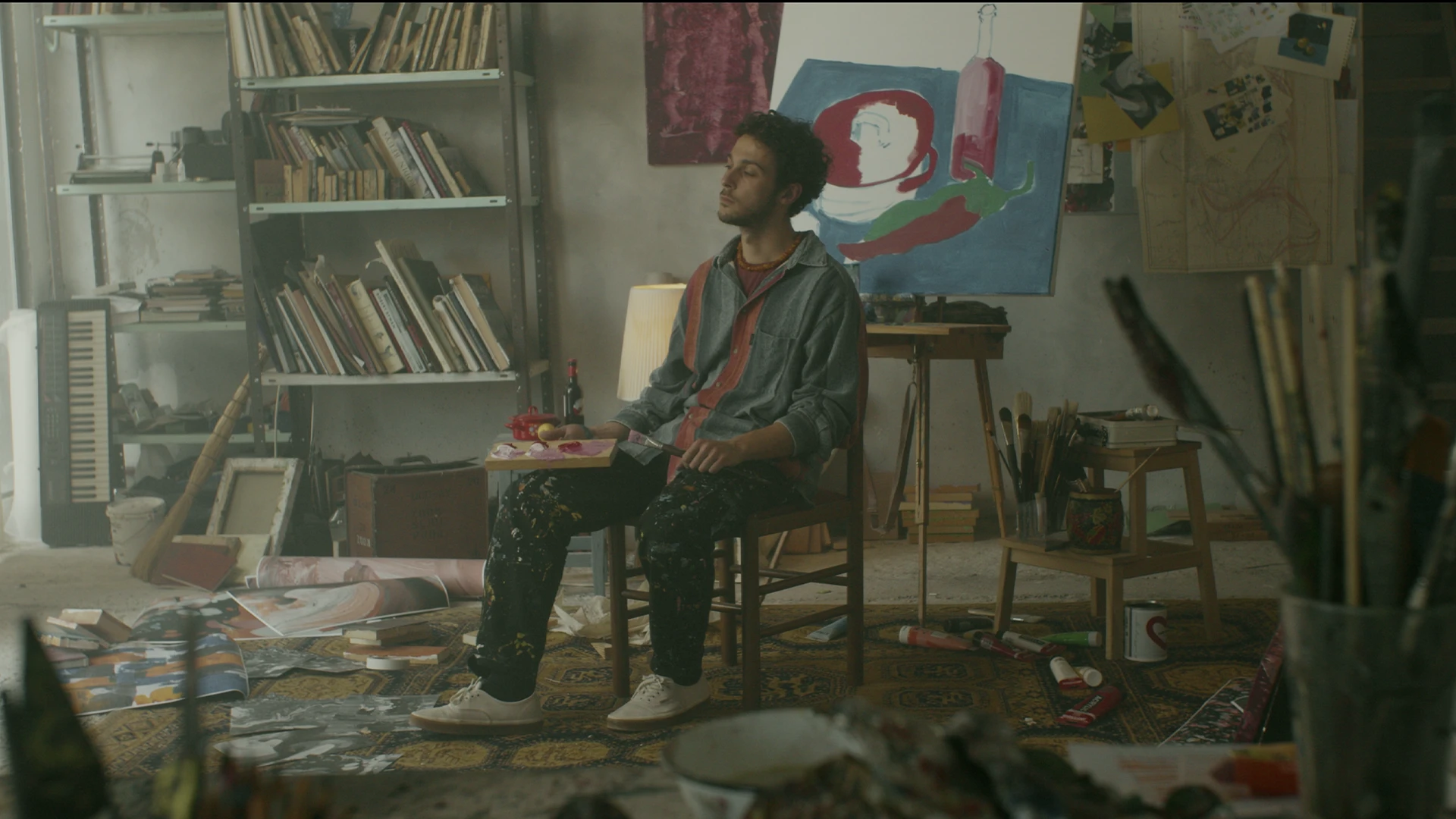
Candlelight
Amber faces in rooms lit by flame.
05
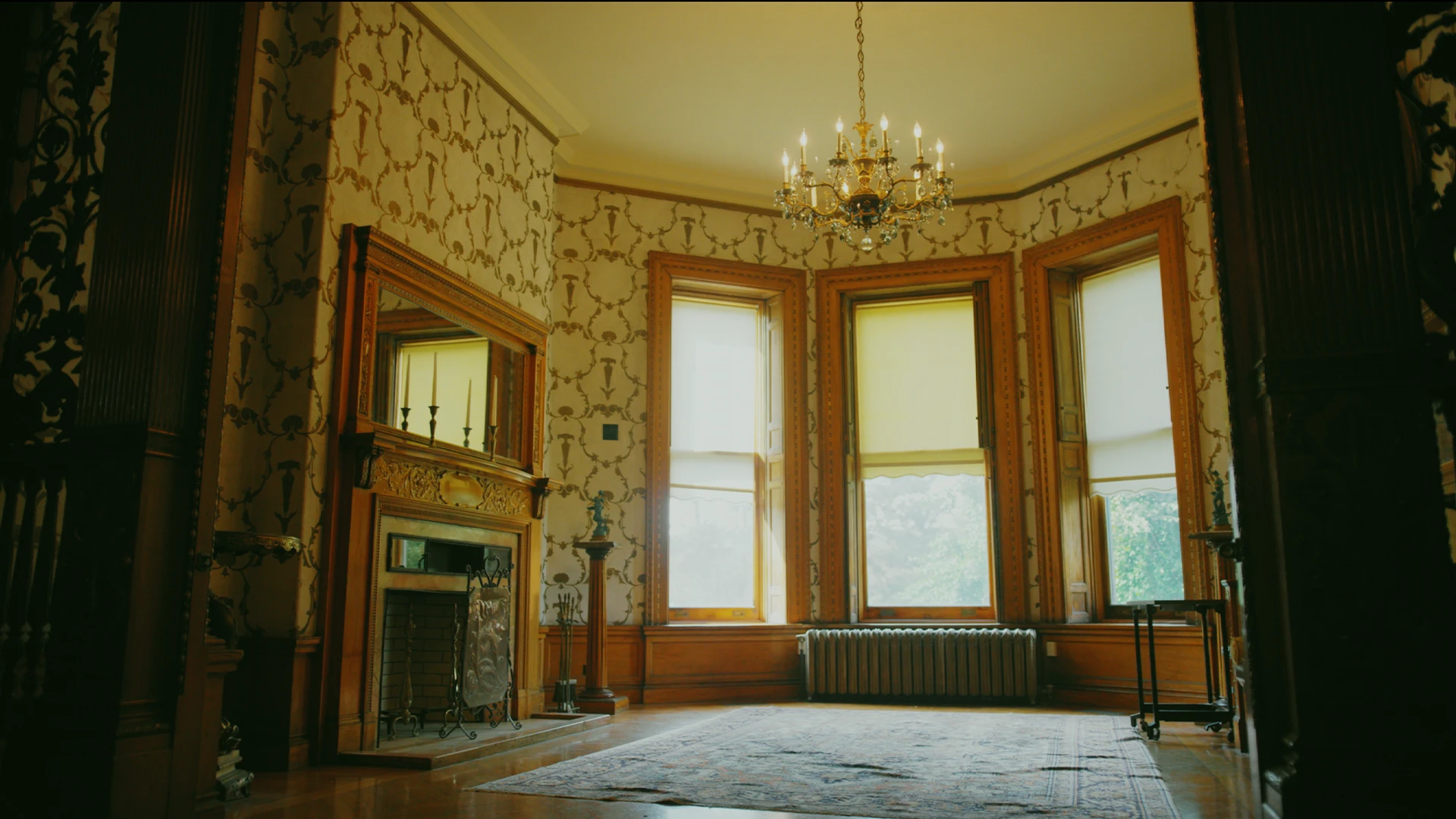
Drawing Room
Old-house interiors, warm and heavy.
06
Blue Night
Deep, saturated moonlit blue.
07
Teal
A cool teal wash over the whole frame.
08
Twilight
A faint rose and lilac hush after sunset.

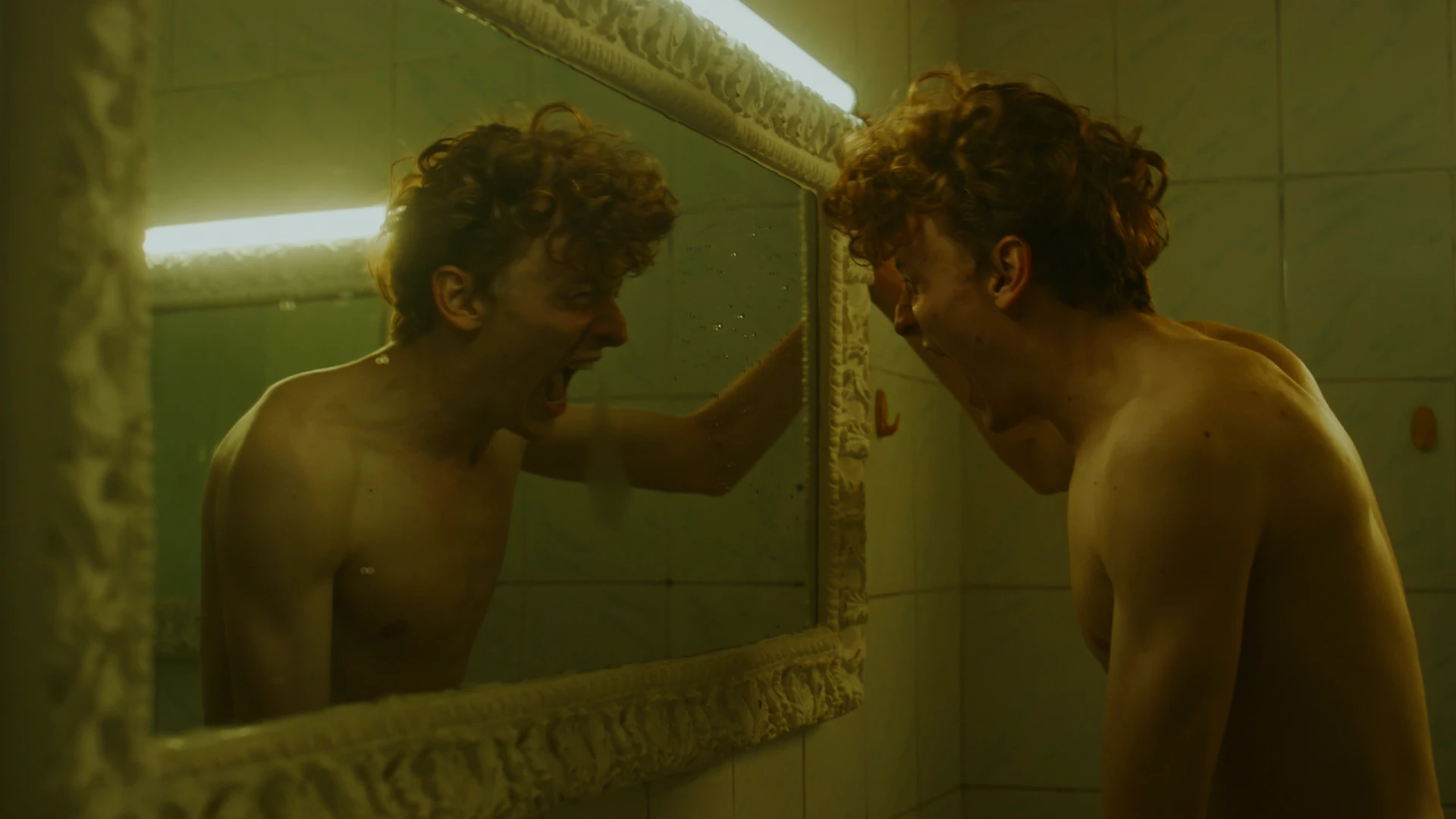
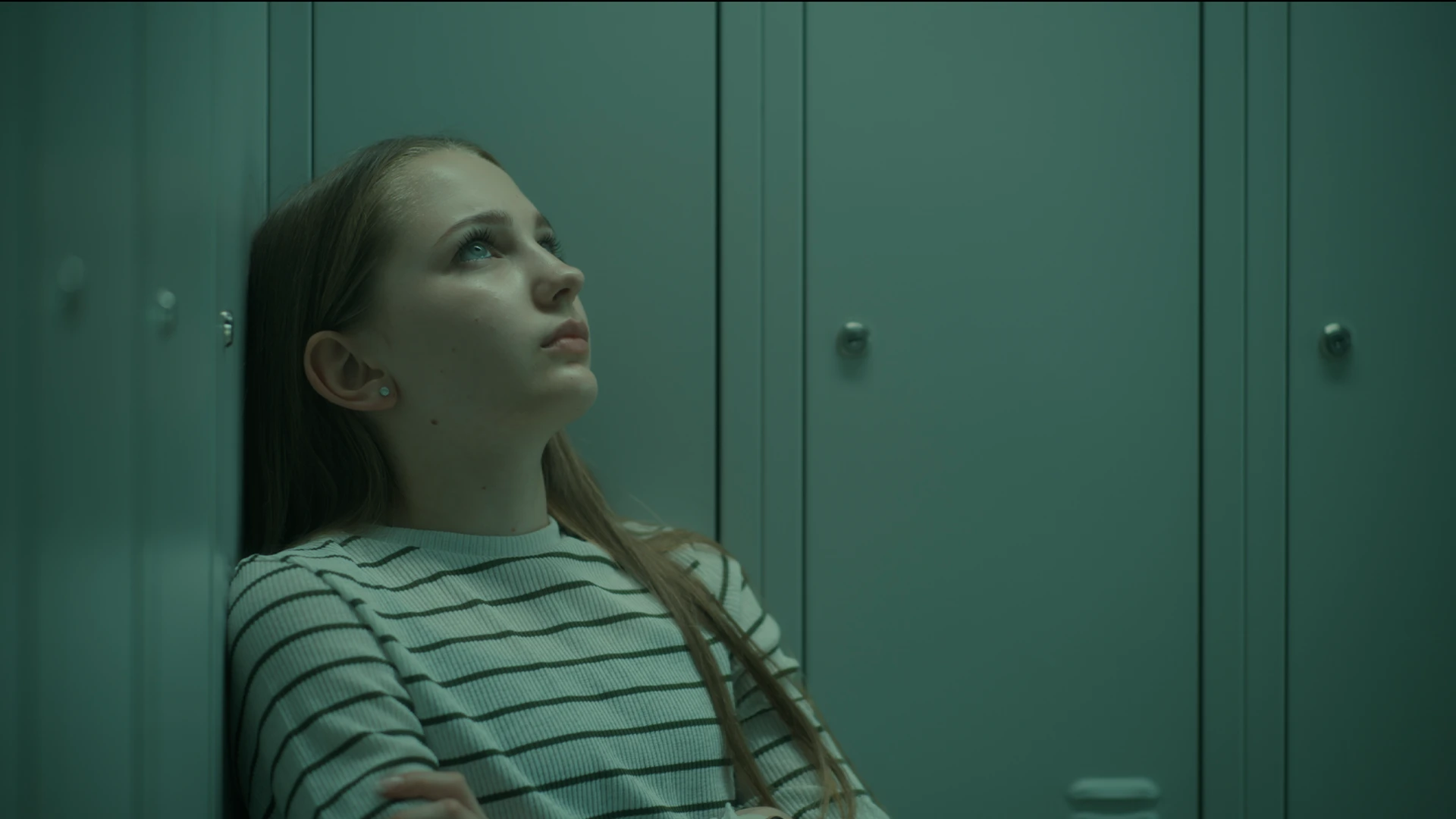
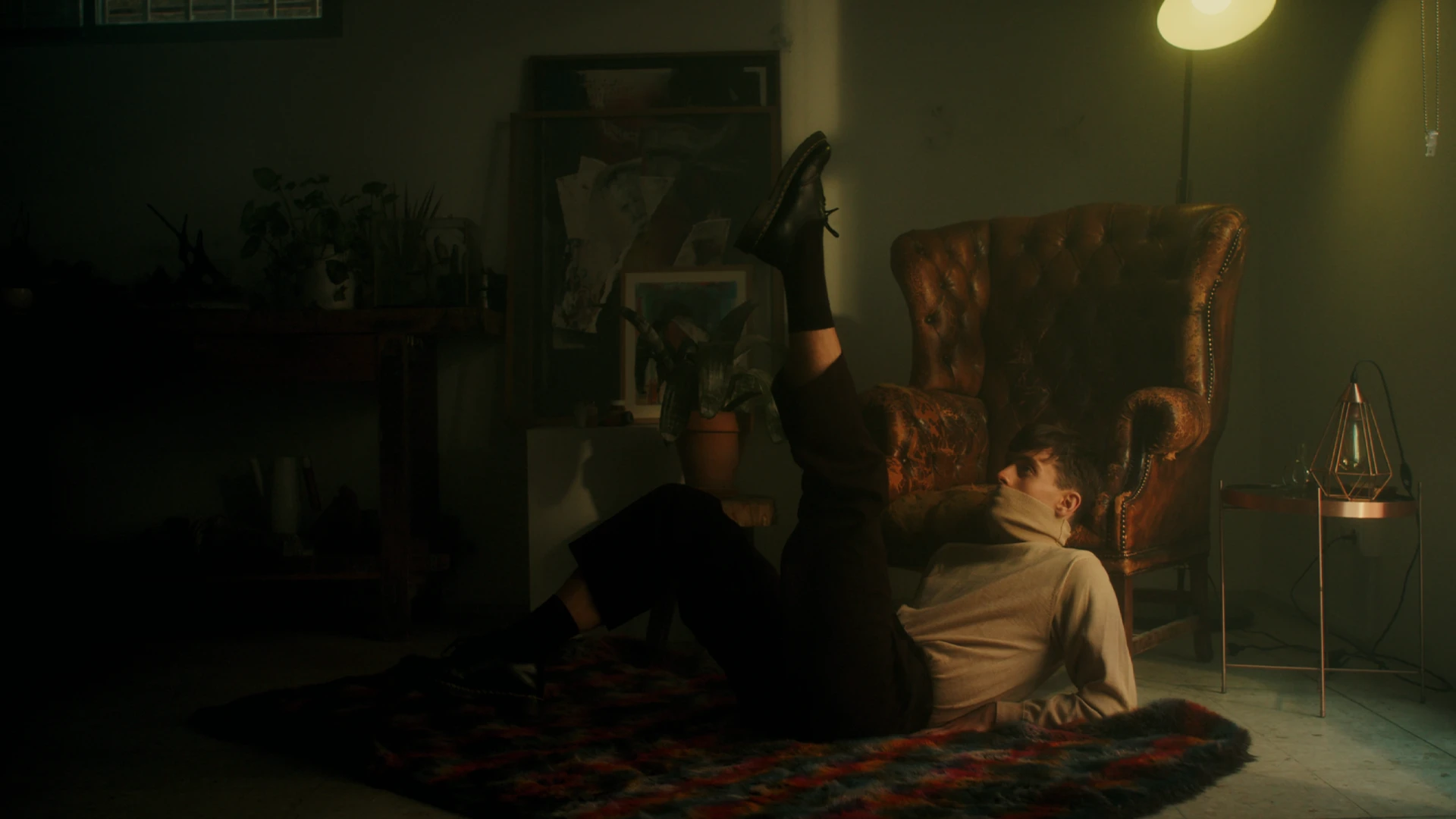
05 ——— Movie look
Marty Supreme Look
7 PowerGrades for DaVinci Resolve
A hustle shot on old stock under bad lights. Smoke-yellow whites, skin running hot, and shadows that keep a little teal for themselves.
We rebuilt that grit inside Resolve: blacks that go deep with a cool teal lean, a yellow warmth that grows as the image gets brighter, and a palette pared down to orange against green-teal, with greens and purples pushed aside. It sits low and stays there. Open nodes you can read and rework, with no LUTs.
Seven grades. One world.
01
Shop
Orange skin against teal under cramped shop light.
02
Backroom
Dark teal night interiors, faces barely held.
03
Arena
Deep blacks around hot pools of overhead light.
04
Hotel
Yellowed lamps and tired cream walls.
05
Street
City exteriors, warm and worn.
06
Daylight
Sun with yellowed whites and dense colour.
07
Bathhouse
Yellow-green mids with cool cyan highlights.

06 ——— Movie look
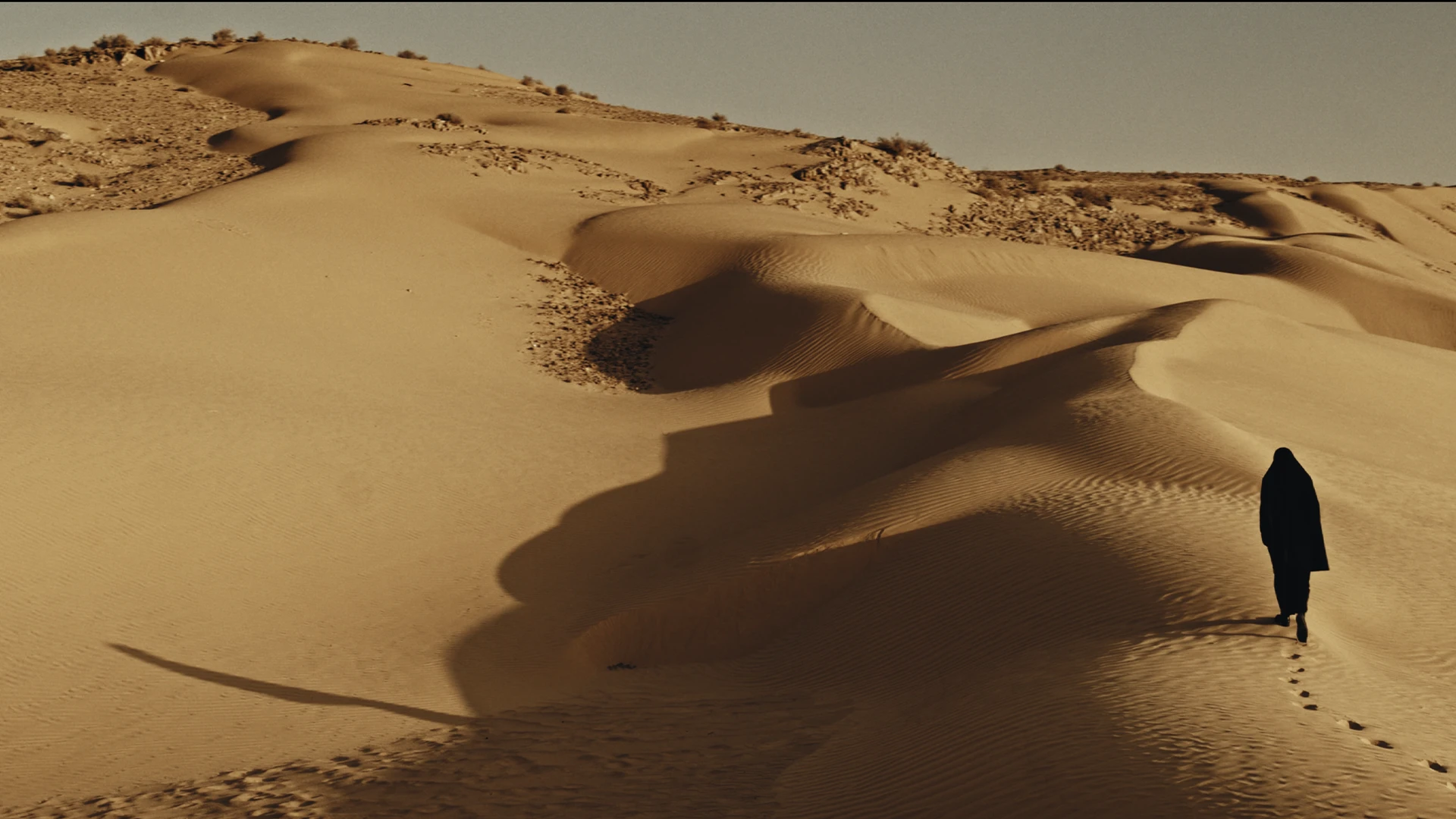
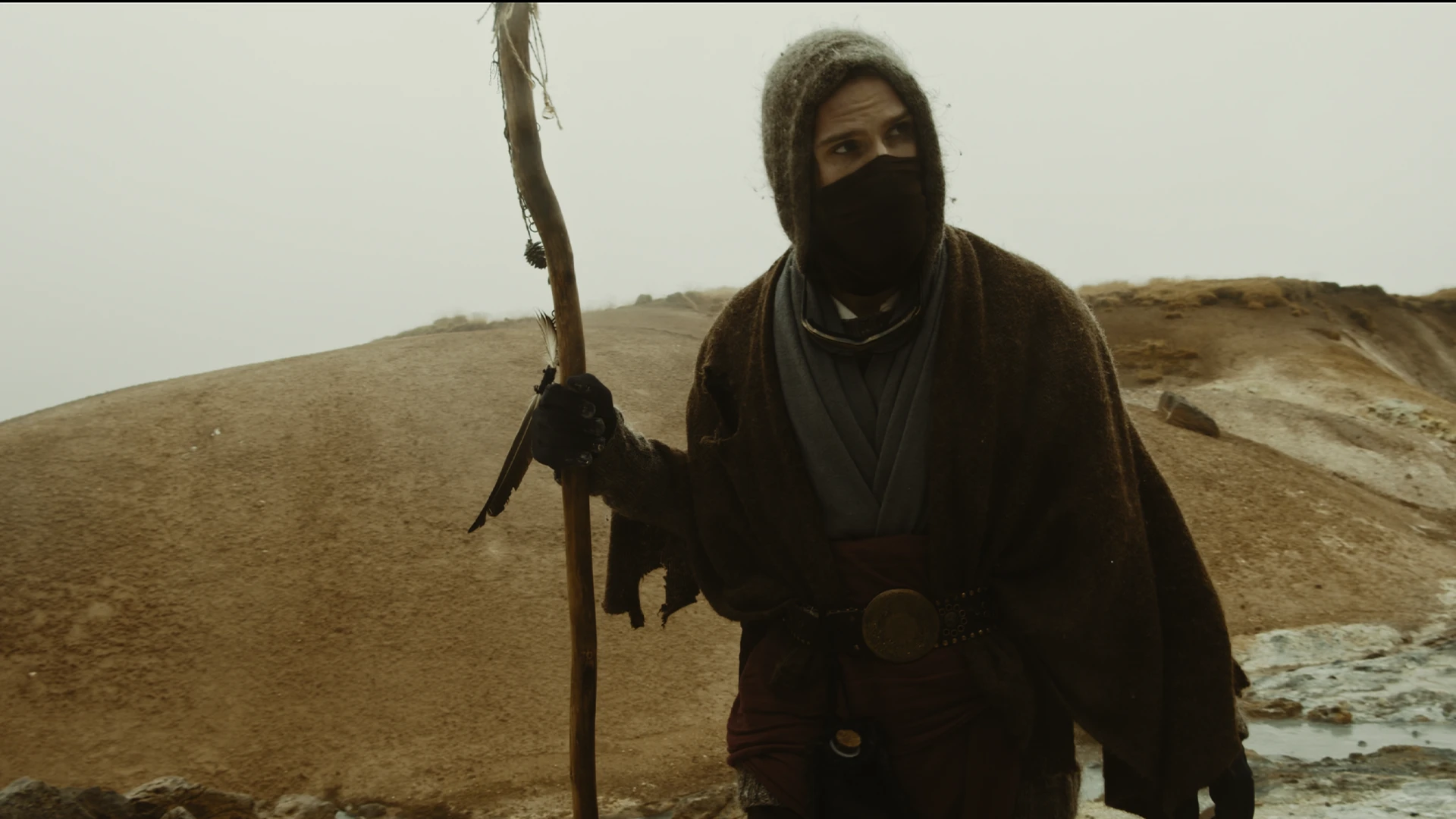
Dune Look
7 PowerGrades for DaVinci Resolve
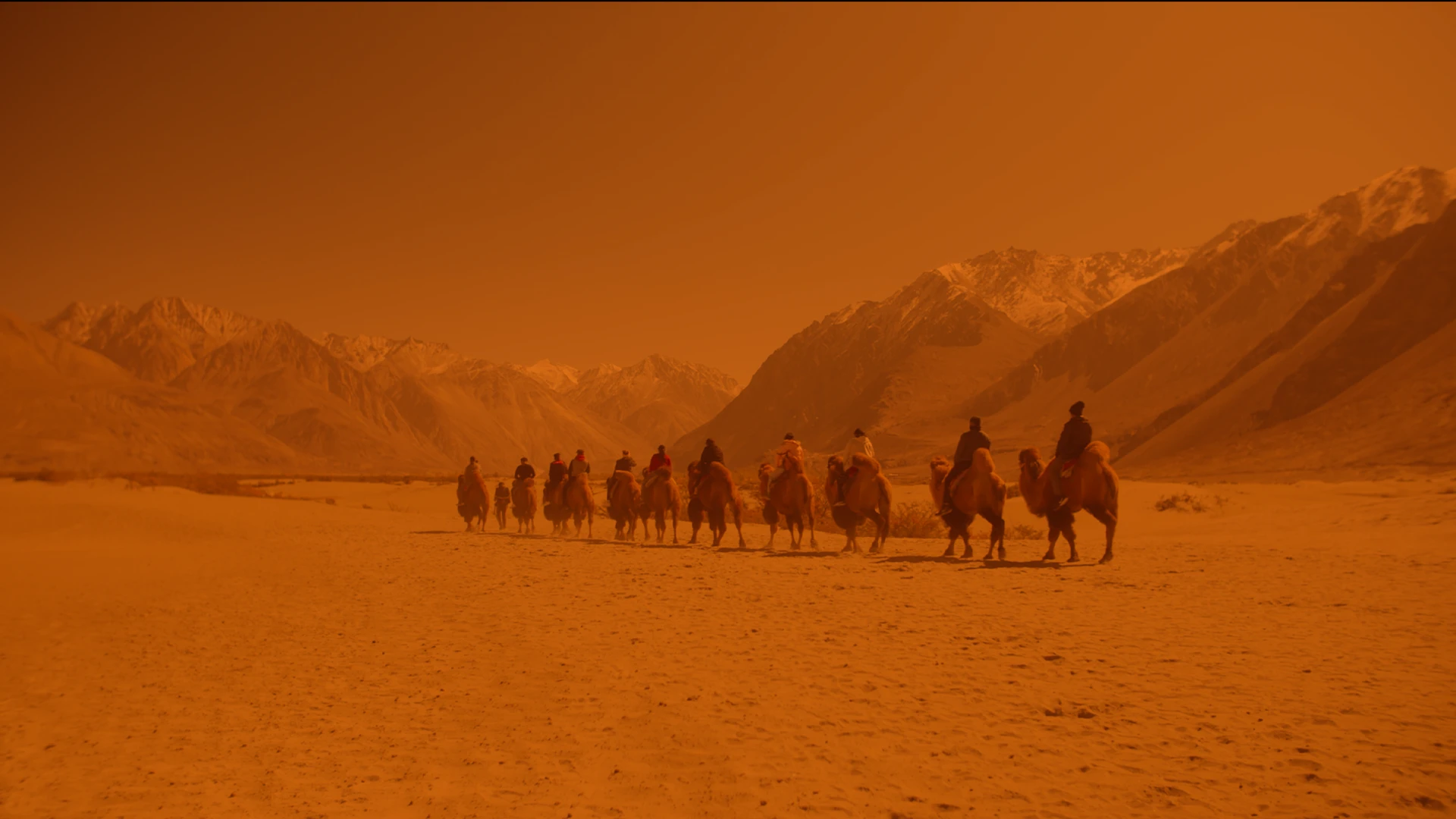
A world where the sun takes the colour first. Sand, skin and haze under a sky burned white with dust, and rooms of stone that hold only one soft light.
We rebuilt that restraint inside Resolve: milky lifted blacks in the open desert, blue and green drawn out until only sand and skin remain, and interiors that sink into brown and ochre. Then the extremes: a frame drowned in orange, a cold steel world without warmth, an infrared black-and-white. Every node is open to read, bend and make your own, with no LUTs.
Seven grades. One world.
01
Desert
Bleached, dusty daylight with nothing blue left in it.
02
Eclipse
The whole frame burnt orange, from the blacks to the top.
03
Sunset
Low sun, land in silhouette, gold through the haze.
04
Sietch
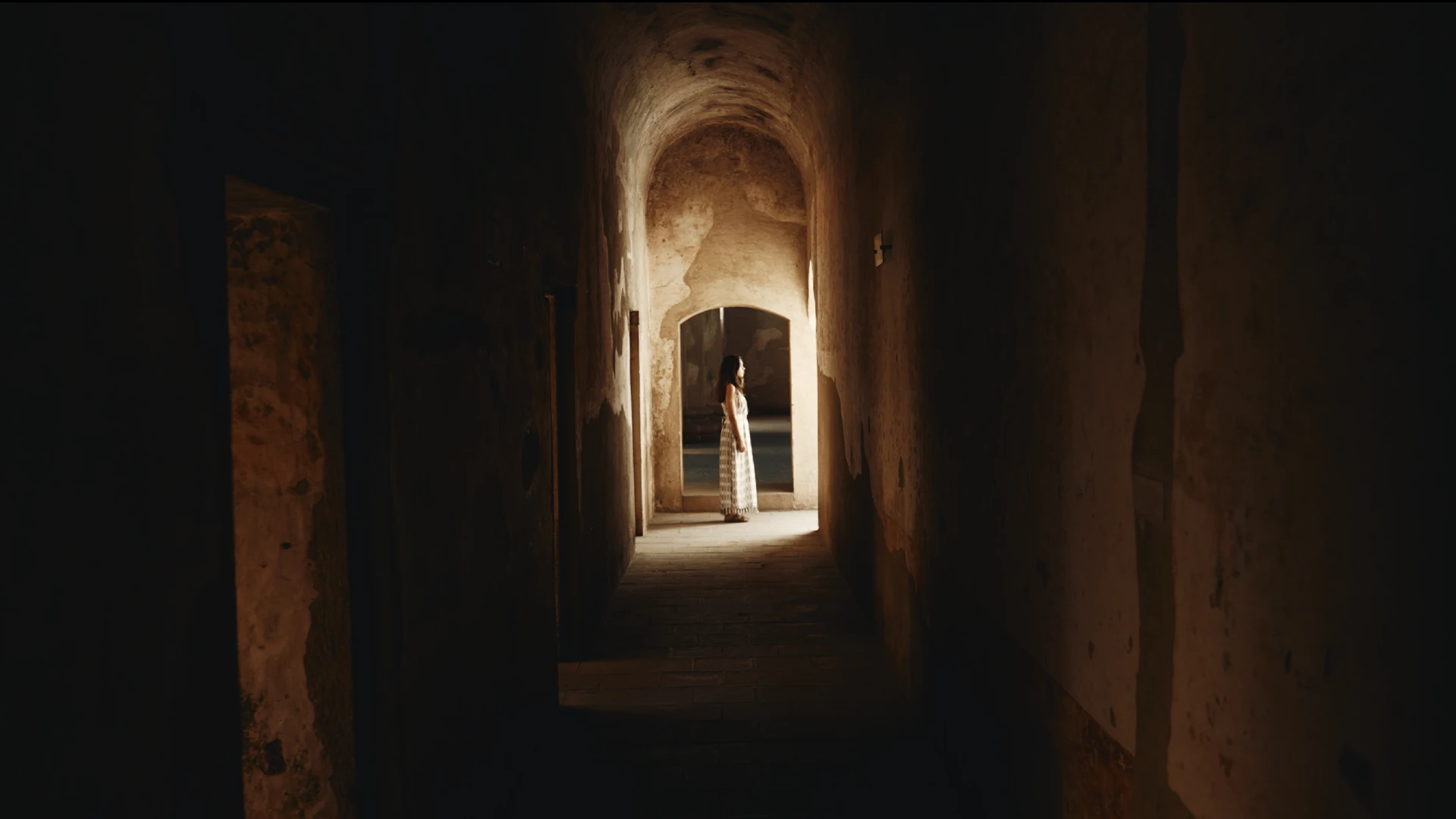
Stone rooms in brown and ochre, lit by one soft source.
05
Black Sun
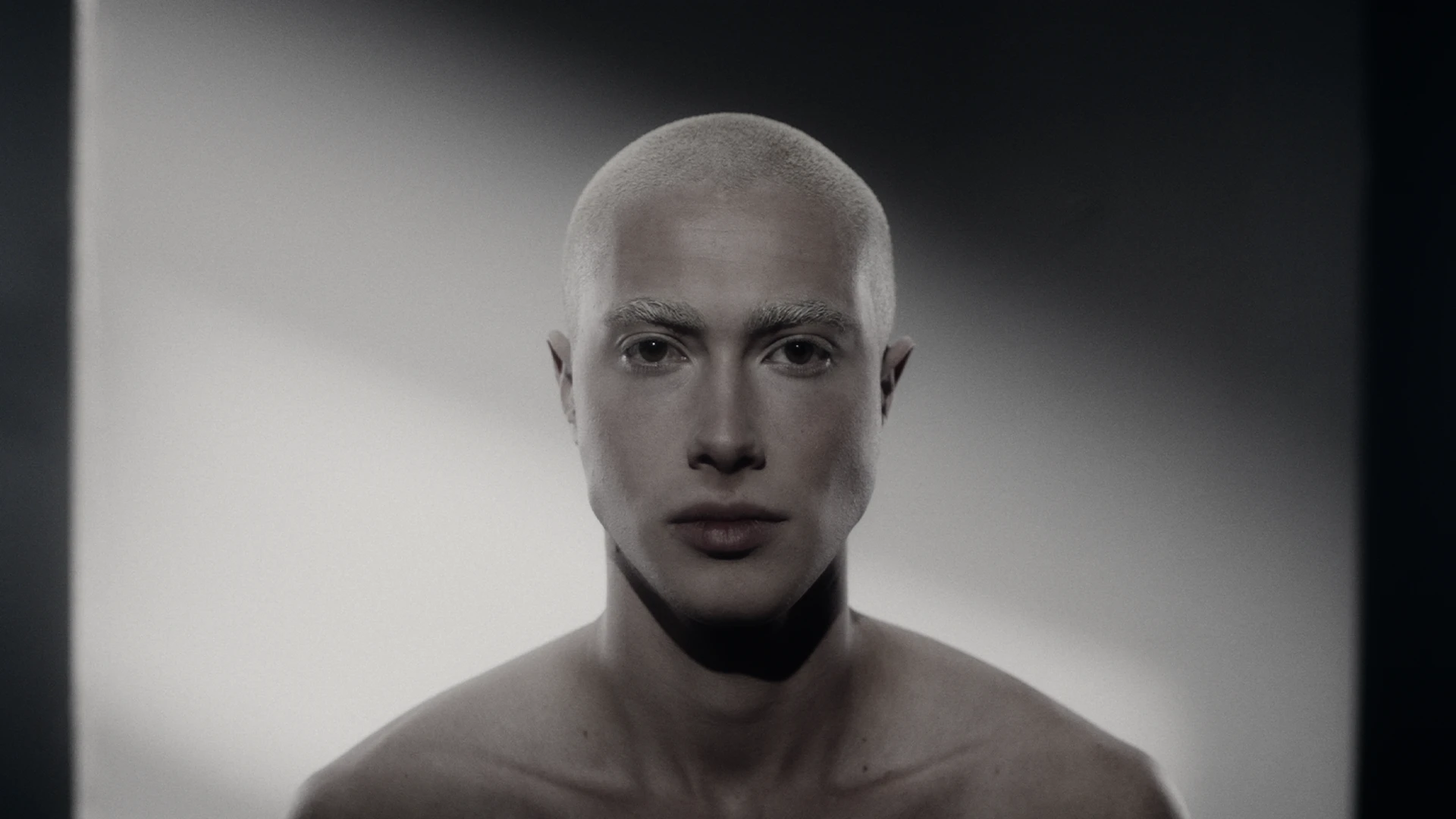
Infrared black-and-white: pale skin against a dark sky.
06
Harkonnen
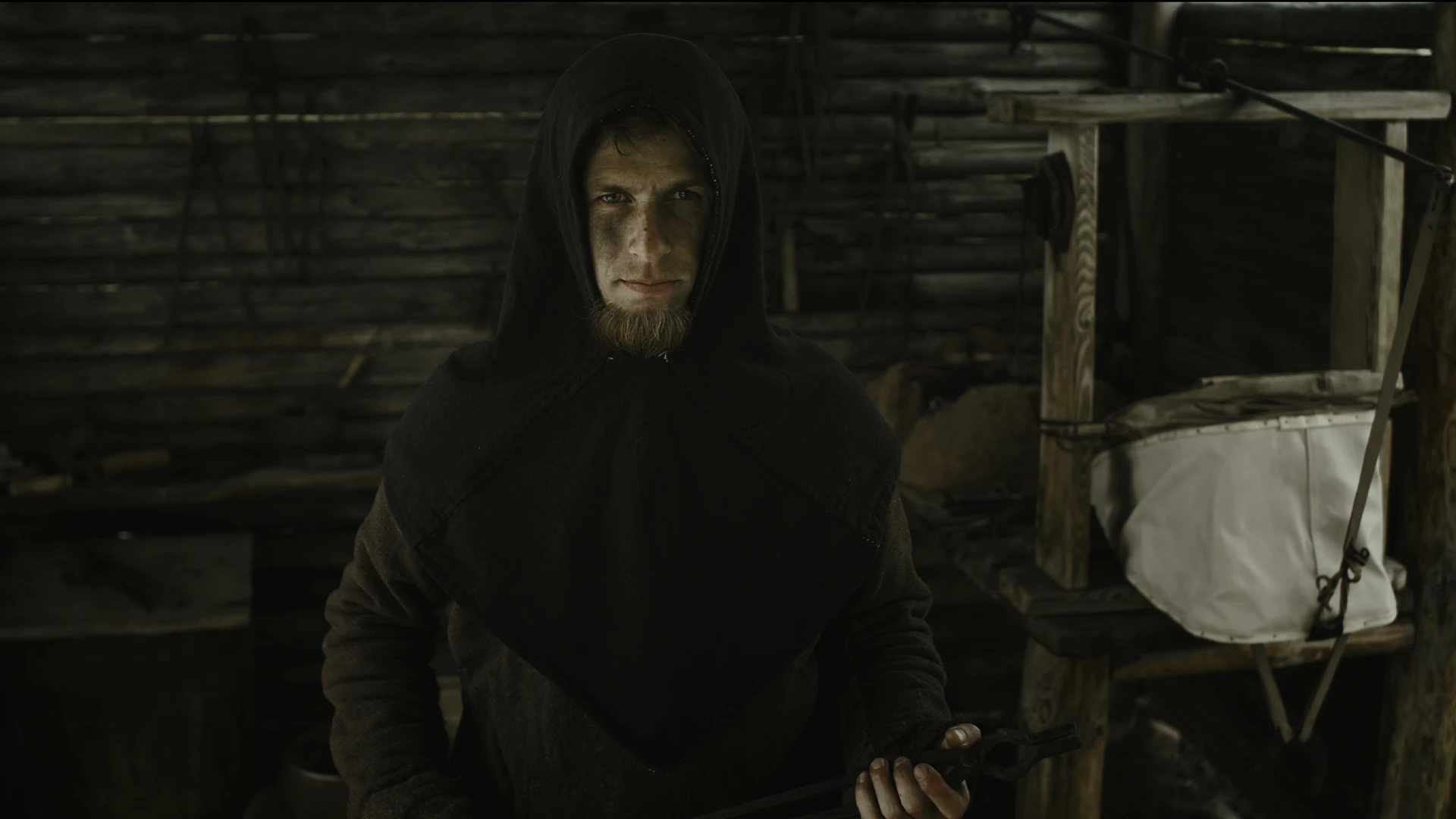
Steel, shadow and pallid, colourless skin.
07
Garden
Olive shade and sun breaking gold through the leaves.
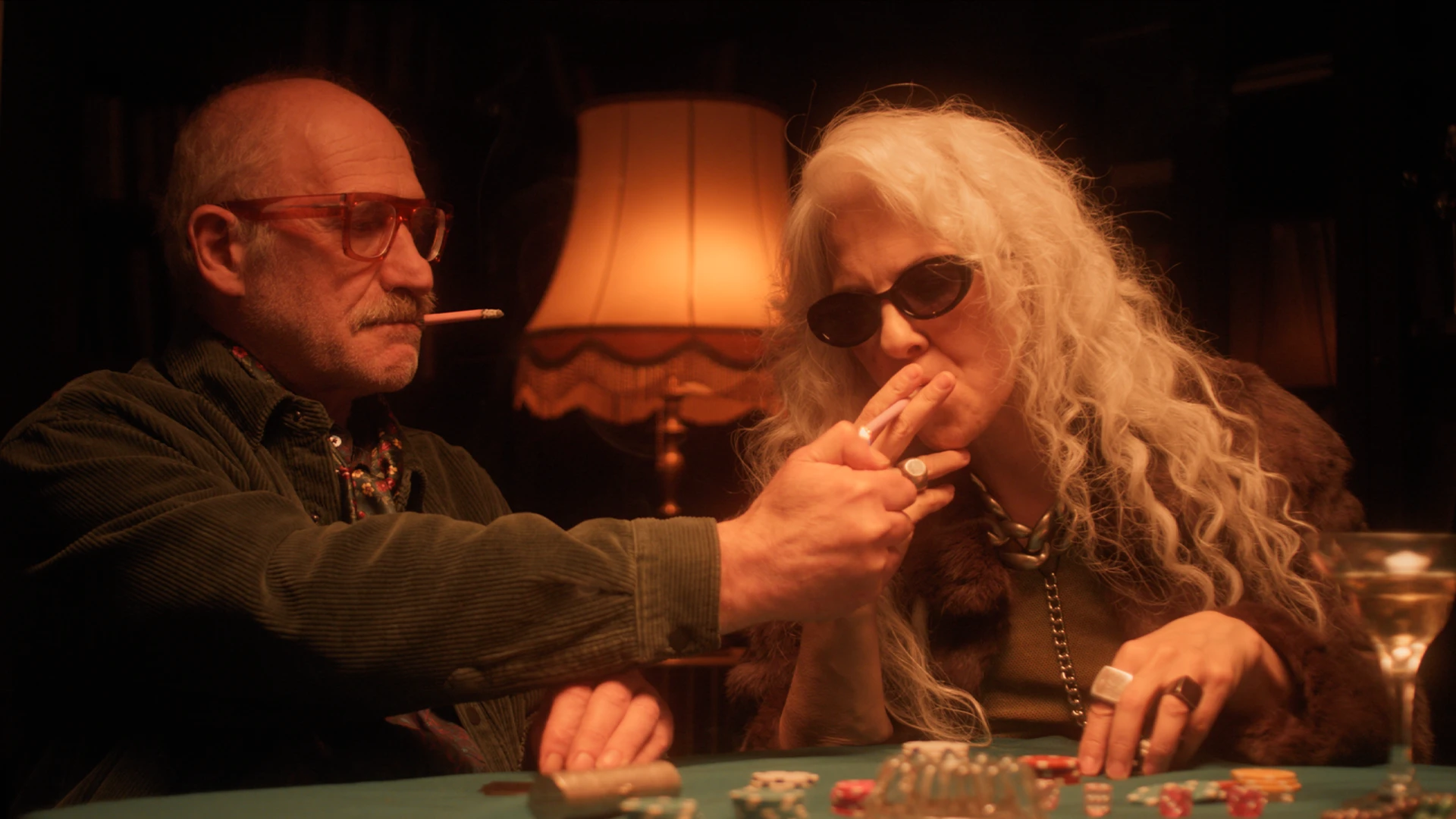
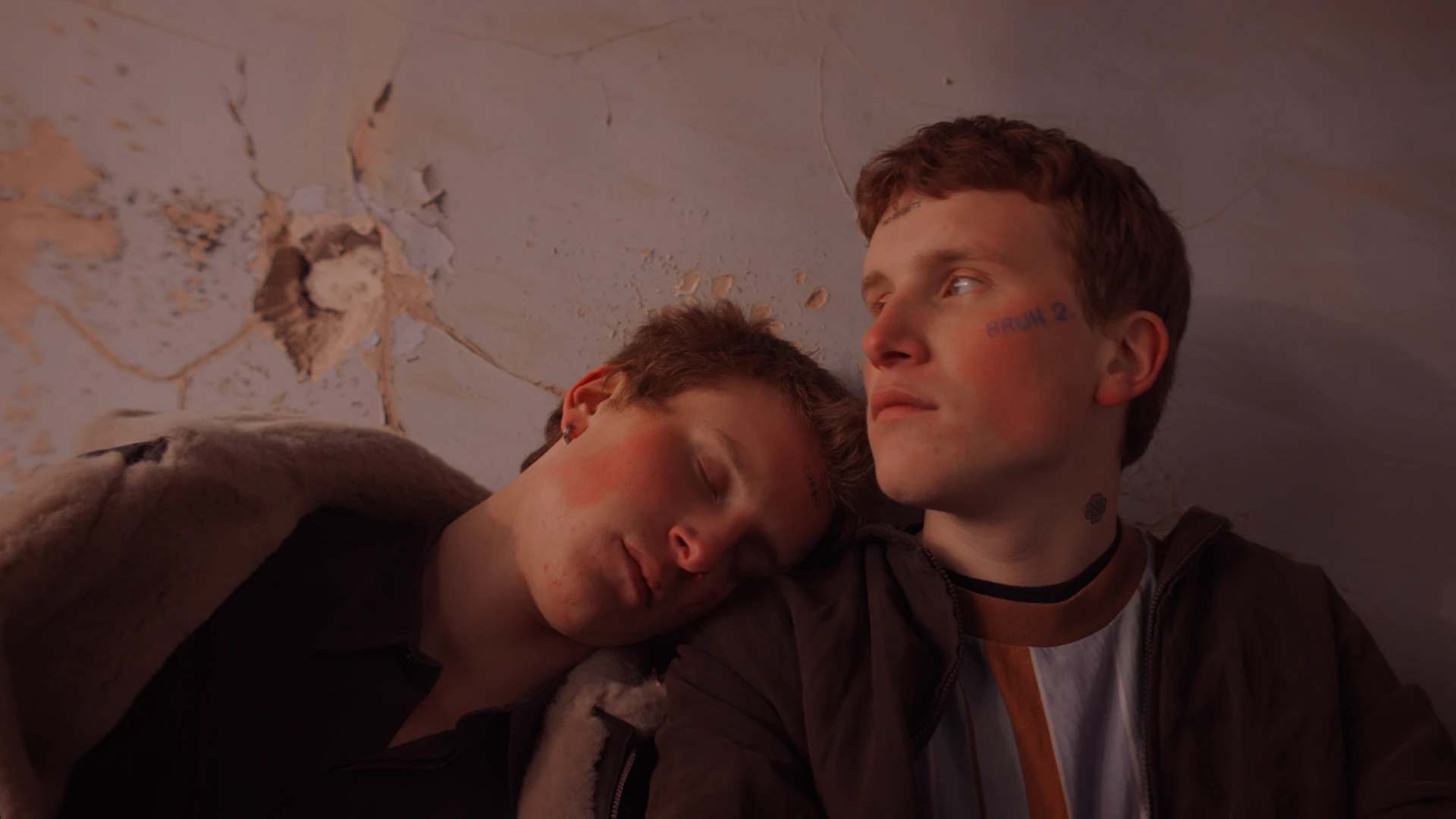
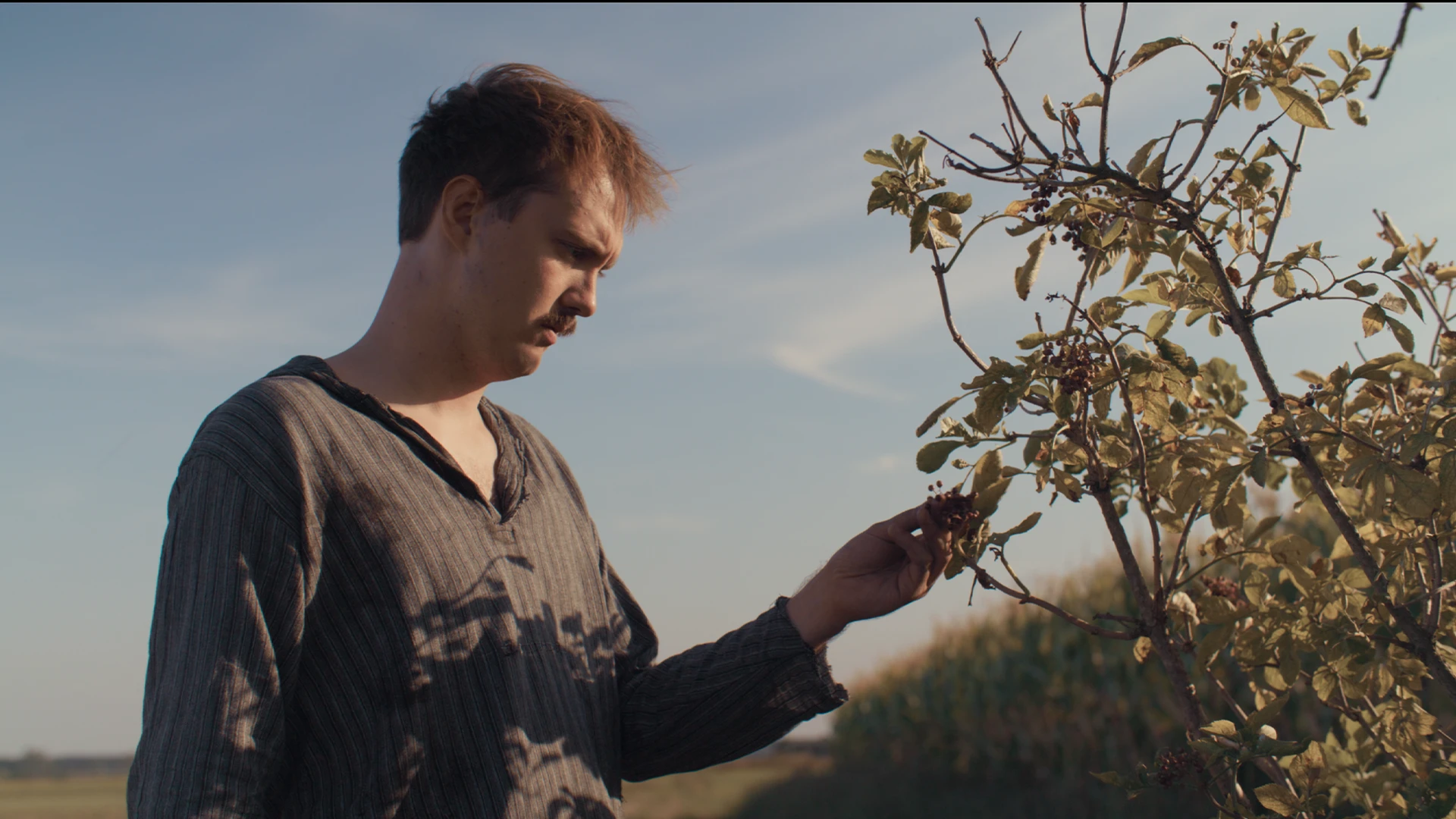
07 ——— Movie look
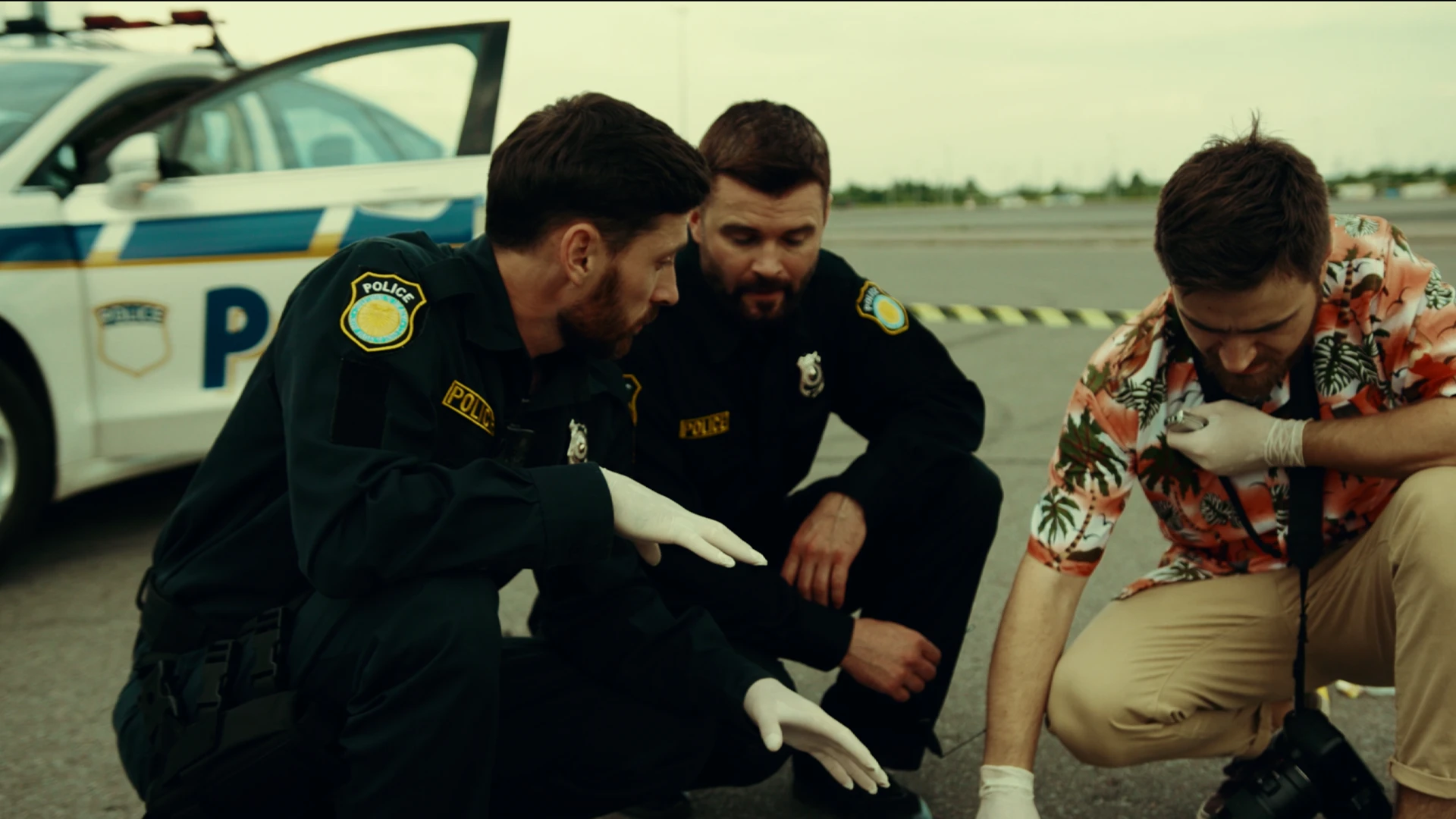
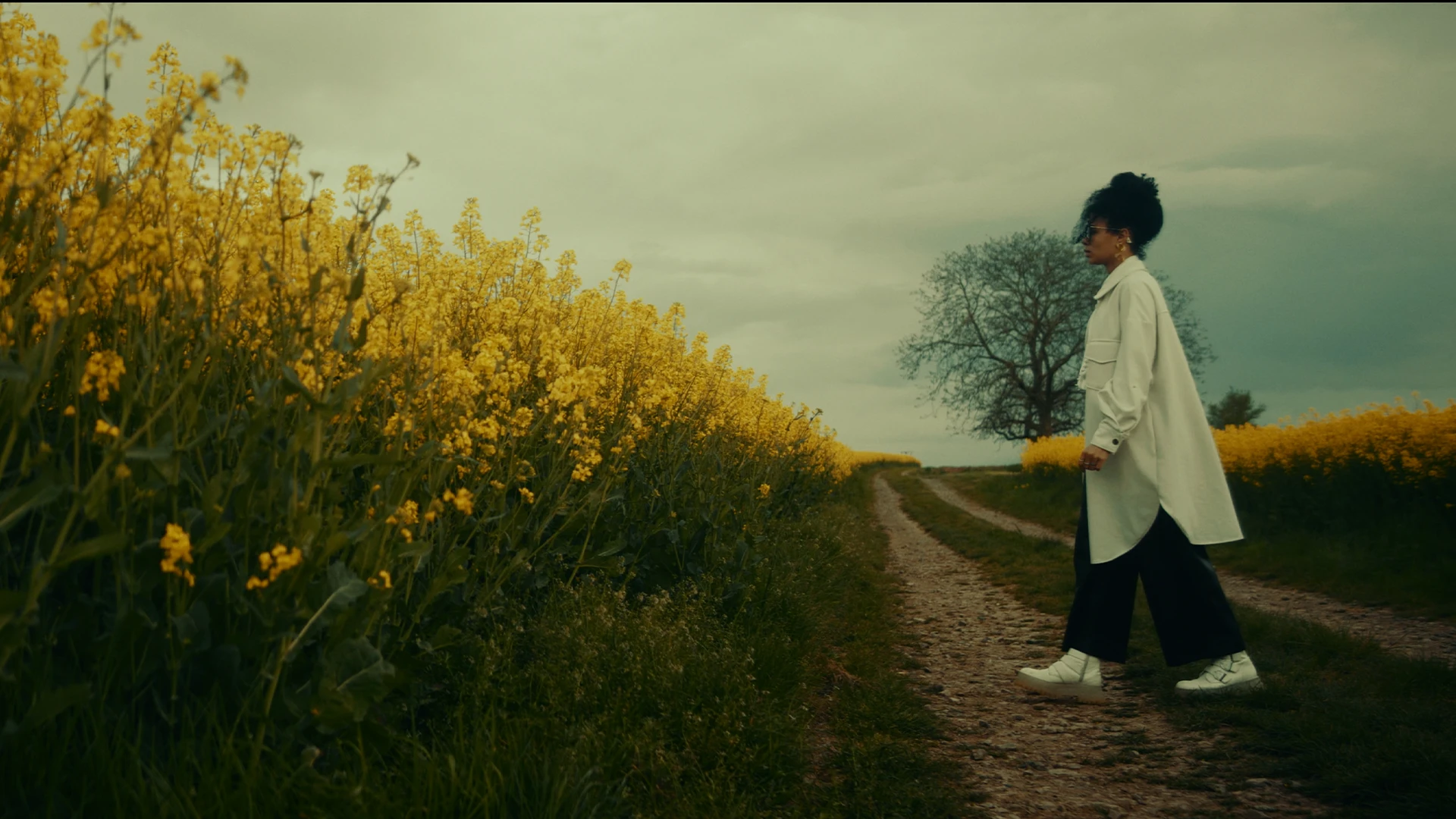
Grand Budapest Look
8 PowerGrades for DaVinci Resolve
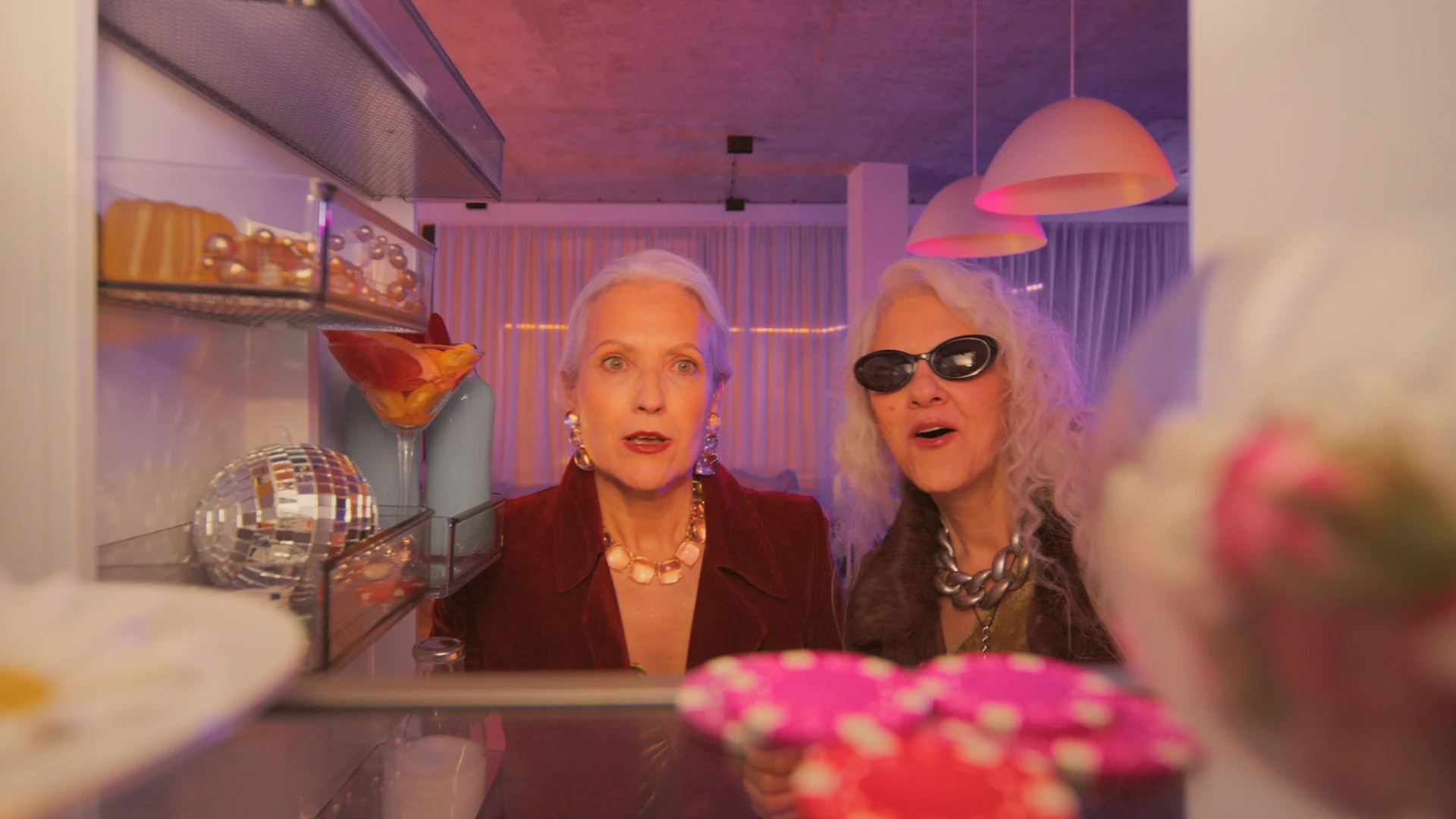
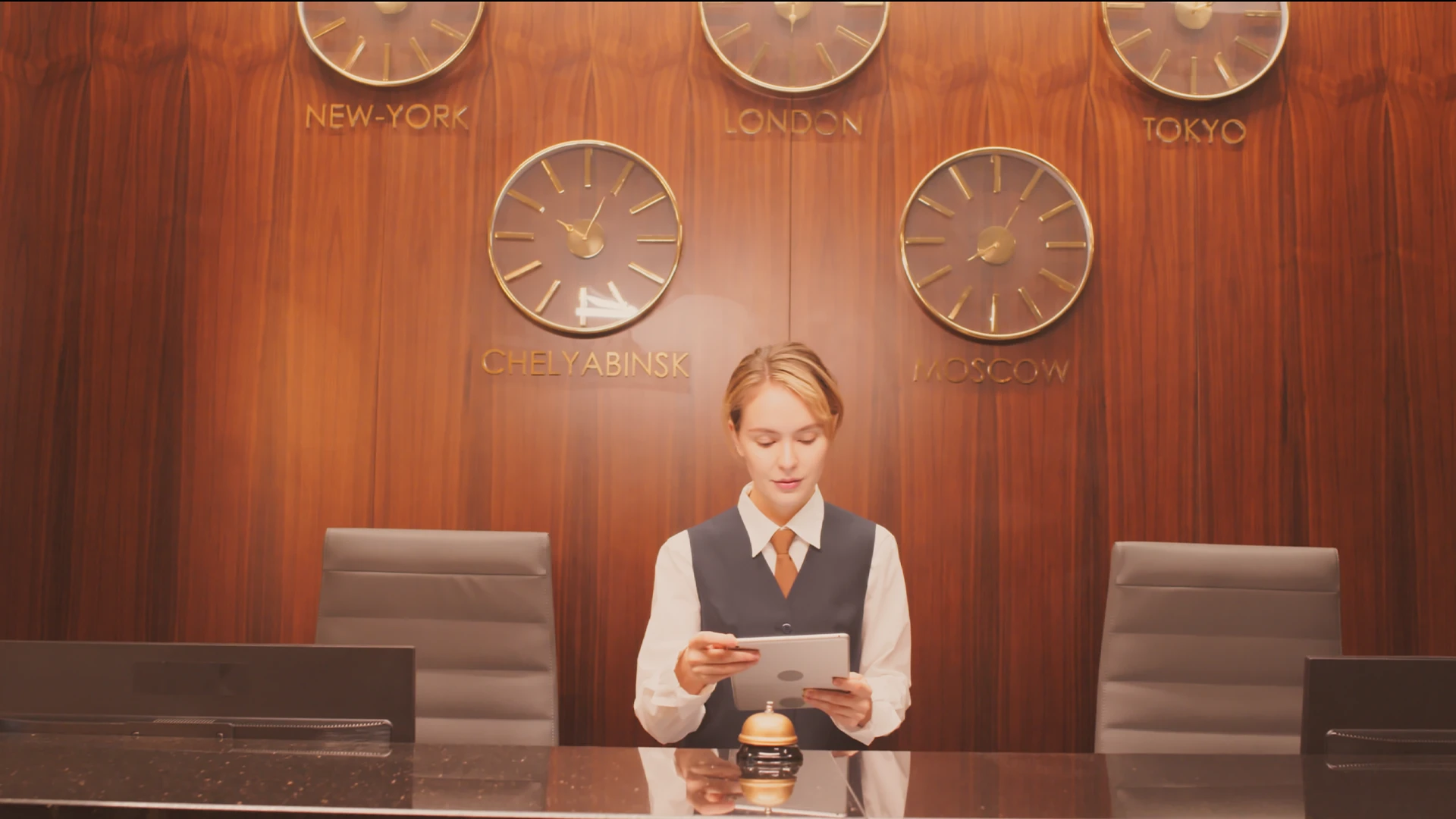
A storybook printed in confectionery. Rose and salmon, lacquer red and lilac snow, and an ink-blue night where only the lamps stay warm.
We rebuilt that palette inside Resolve: yellow pulled toward orange, orange toward pink-red, and green drained until it reads as soft grey. Each grade is a wash, not a correction, laying one colour through the whole frame the way a tinted print would. Open the nodes, read them and make them yours, with no LUTs.
Eight grades. One world.
01
Pink
Everything dipped in rose, soft and low in contrast.
02
Suite
Salmon walls, soft lamps, creamy skin.
03
Lobby
Orange laminate, brown wood, amber light.
04
Elevator
One lacquer red, wall to wall.
05
Snow
White on white, lilac shadows, a faint pink above.
06
Checkpoint
Concrete, steel and tired skin in cold grey.
07
Candlelight
Small flames and a lot of black.
08
Night
Ink blue top to bottom, warm lamps the only relief.
08 ——— Movie look
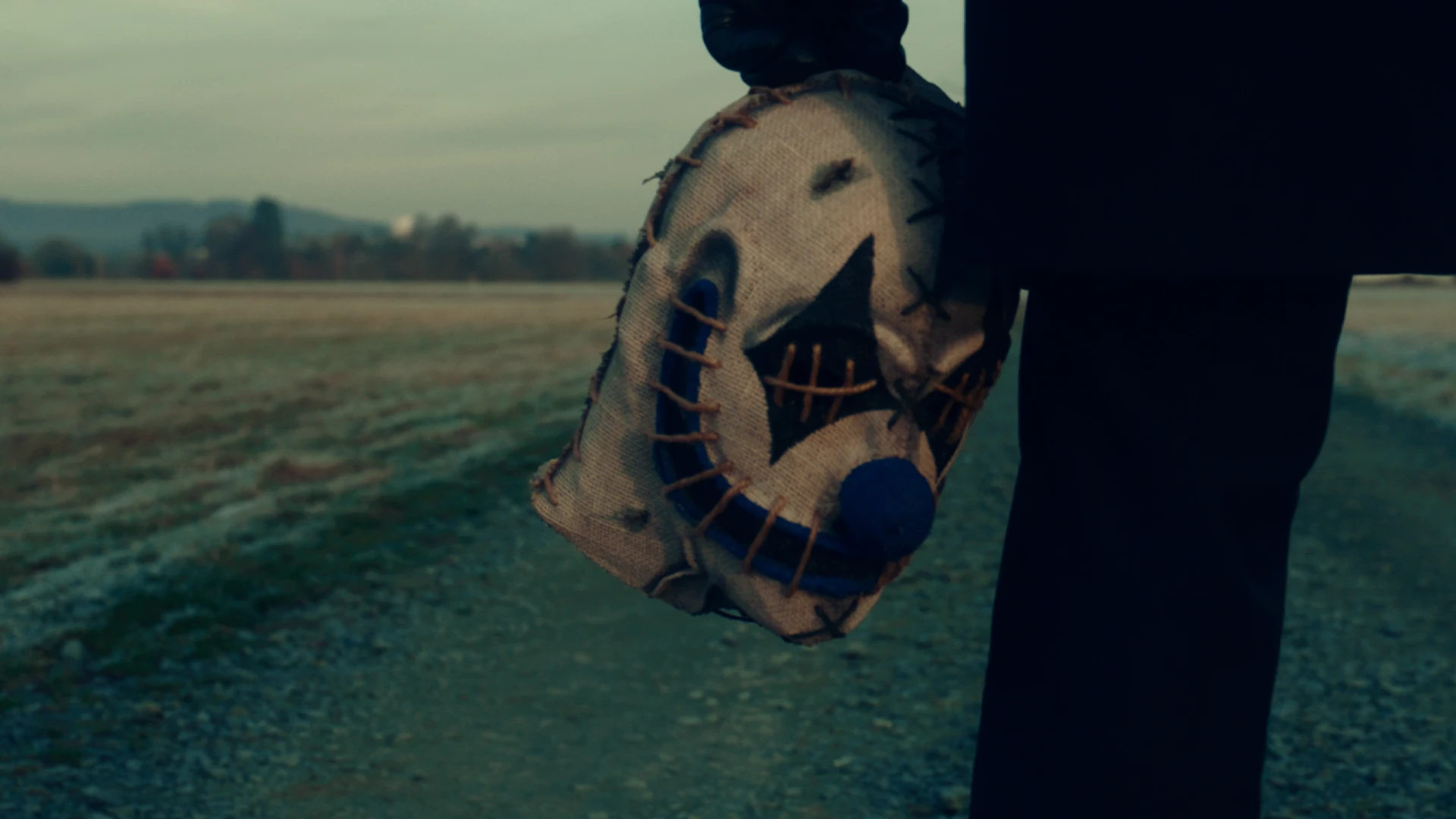
Joker Look
7 PowerGrades for DaVinci Resolve
A worn seventies print of a city at the end of its rope. Blacks with no red left in them, settling into teal, and highlights that sour toward yellow-green.
We rebuilt that split inside Resolve: teal shadows, warm skin and lamps caught in between, and blue swung to teal wherever it appears. What changes from grade to grade is the light, from grey daylight and tube light to sodium streets and the hard glare of the stage. Every node is open to read and rework, with no LUTs.
Seven grades. One world.
01
Gotham
Overcast streets, dense, green-teal and tired.
02
Fluorescent
Sour tube light in subways and corridors.
03
Apartment
Table lamps, wood panelling, a television glow.
04
Teal
One cold colour over everything, faces included.
05
Blue Night
Almost black, with cold light and warm lamps.
06
Studio
Saturated curtains and spotlights in deep black.
07
Street
Wet pavement under sodium lamps, teal in the rest.
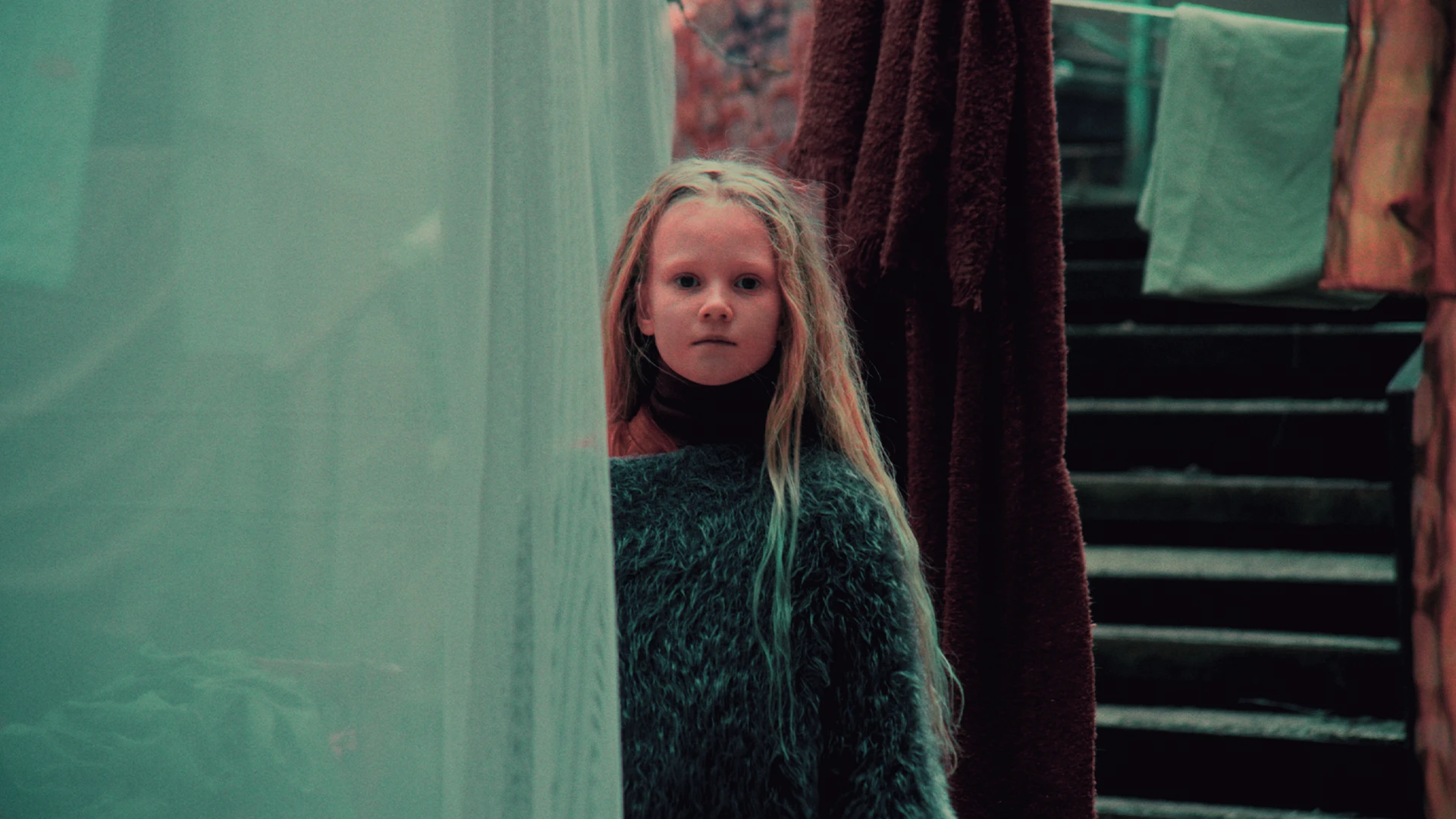
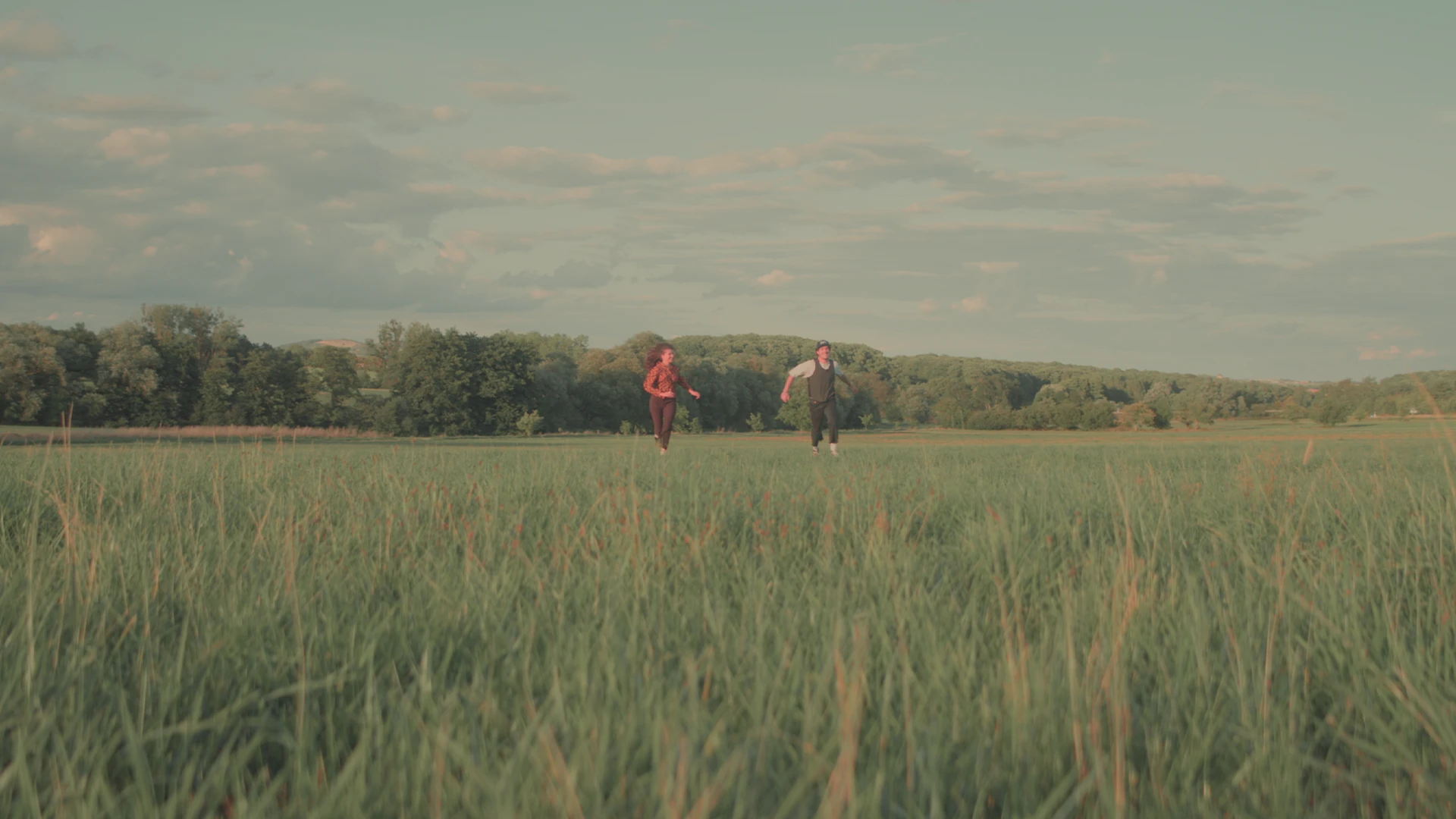
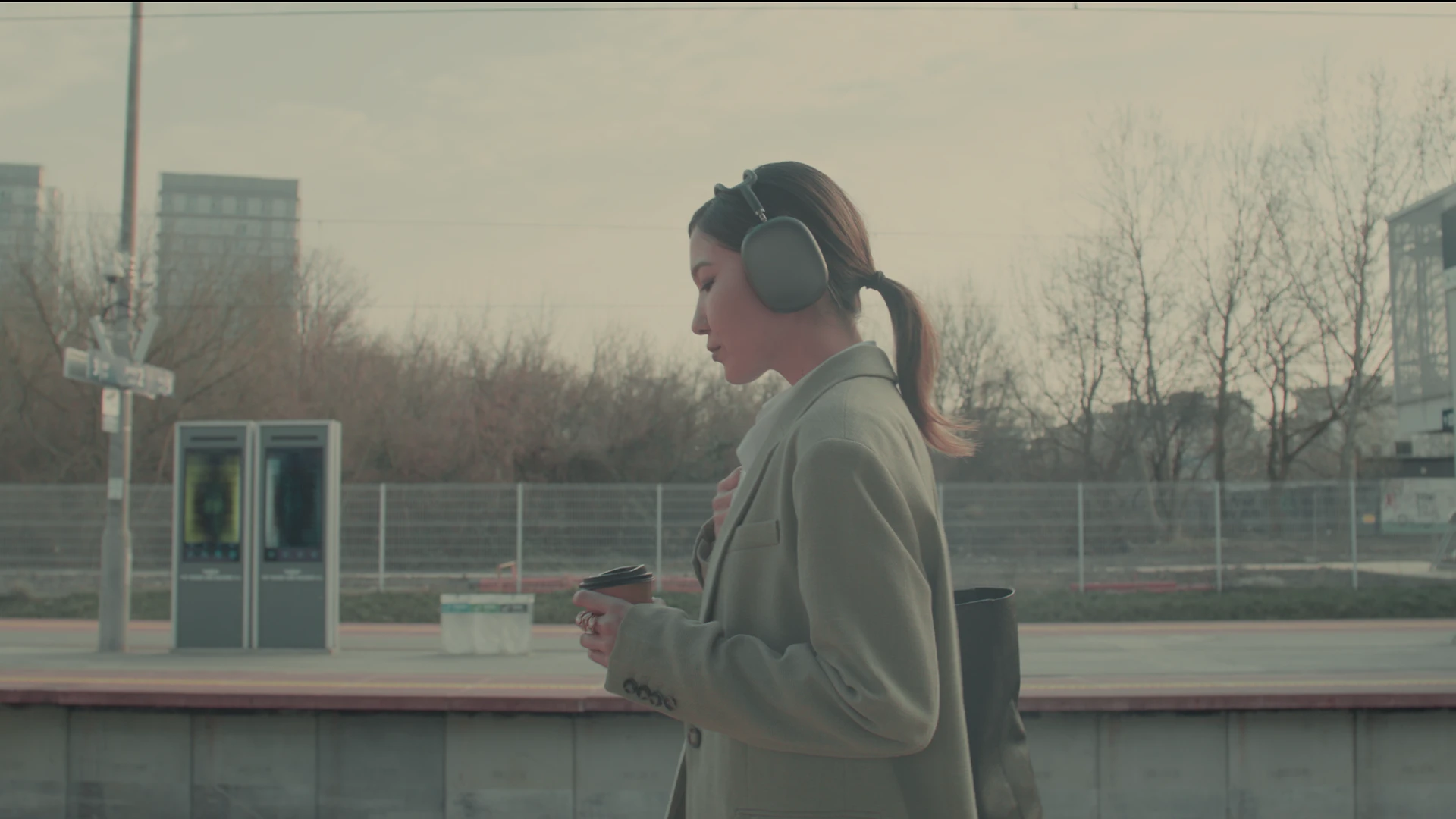
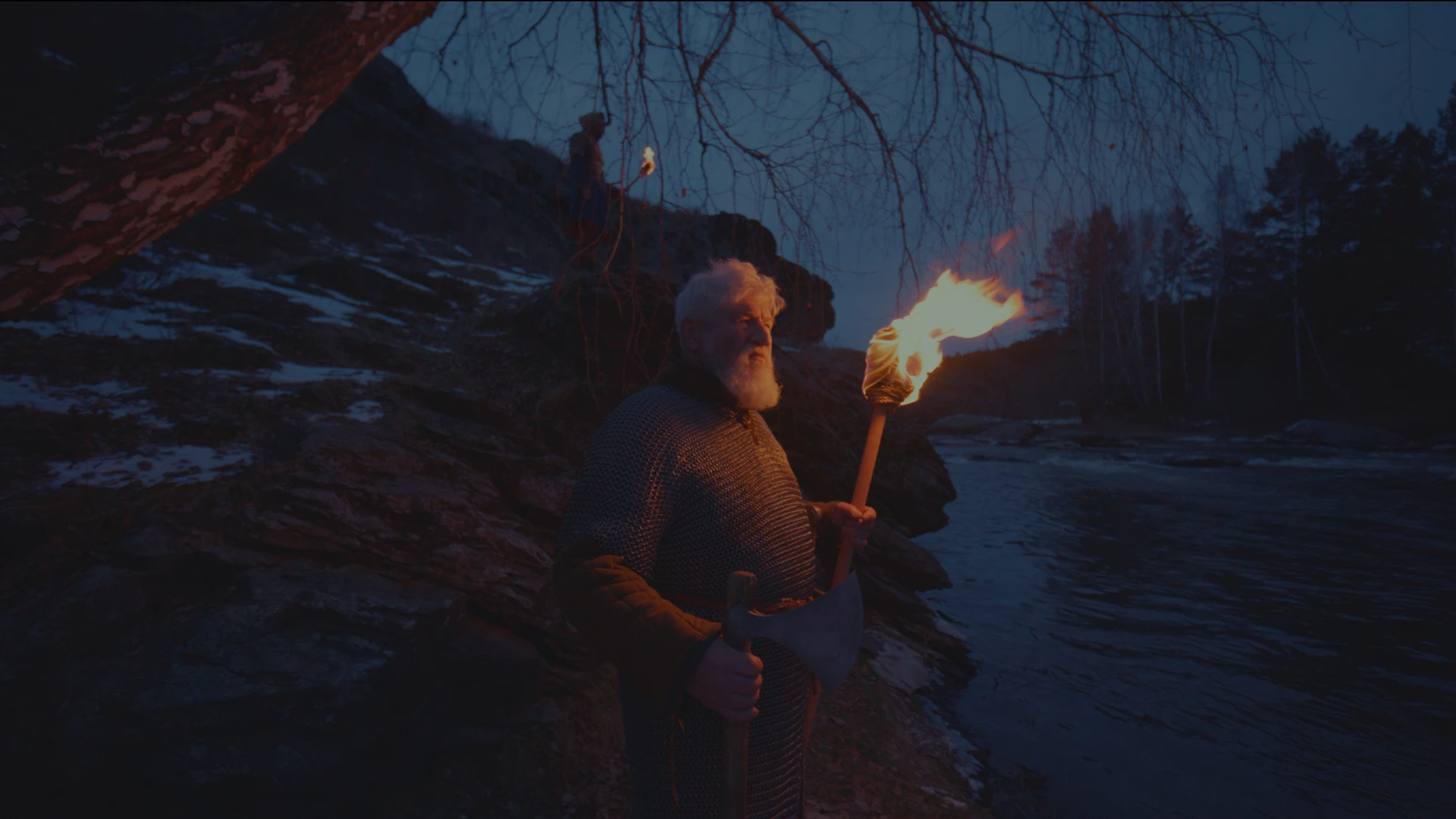
09 ——— Movie look
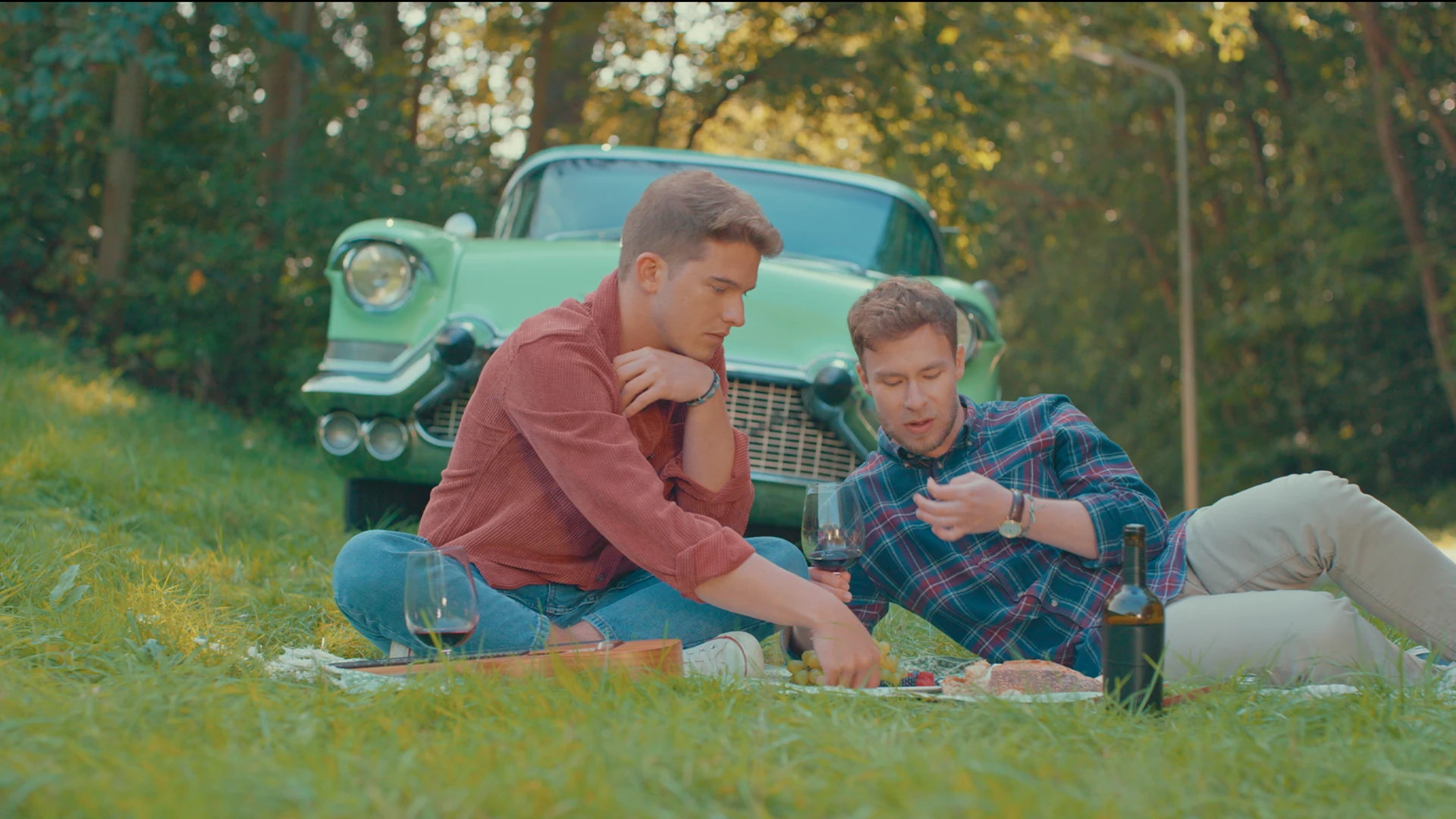
Asteroid City Look
6 PowerGrades for DaVinci Resolve
A hand-tinted postcard of the American desert. Turquoise sky, orange sand, cream whites, and blacks that never quite reach black.
We rebuilt that faded print inside Resolve: blue swung to turquoise, a warm cream wash that grows as the image brightens, and nothing allowed to go deep or pure white. Around the postcard sit its departures: a flat teal dusk, a milky night, a frame flooded in green, and a soft cream-toned black and white. Open the nodes, read them and make them yours, with no LUTs.
Six grades. One world.
01
Desert
A sun-bleached postcard of sand and turquoise sky.
02
Diner
Cream walls, mint counters, soft window light.
03
Magic Hour
Sea-green sky, pink-brown ground, no contrast.
04
Night
Dim, soft and milky grey-teal, never black.
05
Alien
The whole frame in one saturated green.
06
Stage
Soft, lifted, cream-toned black and white.
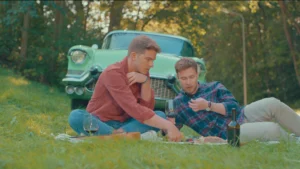
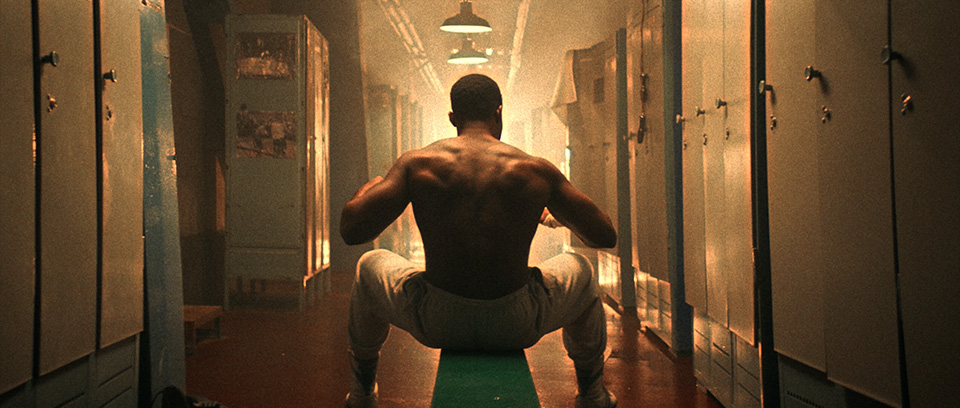
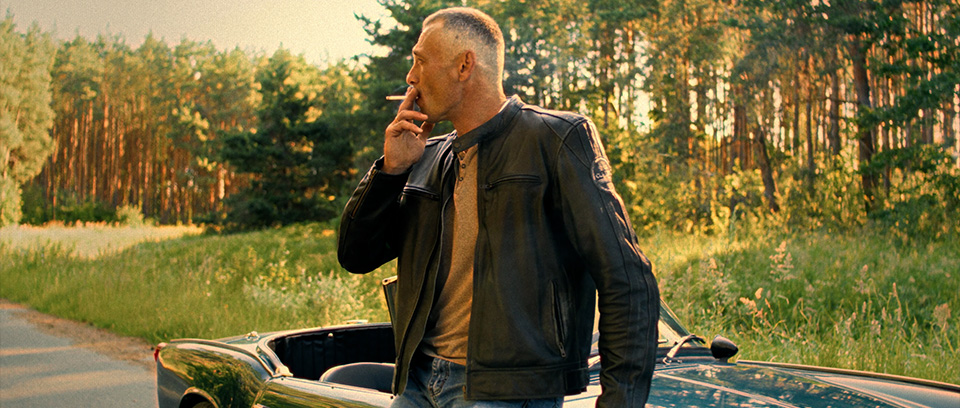
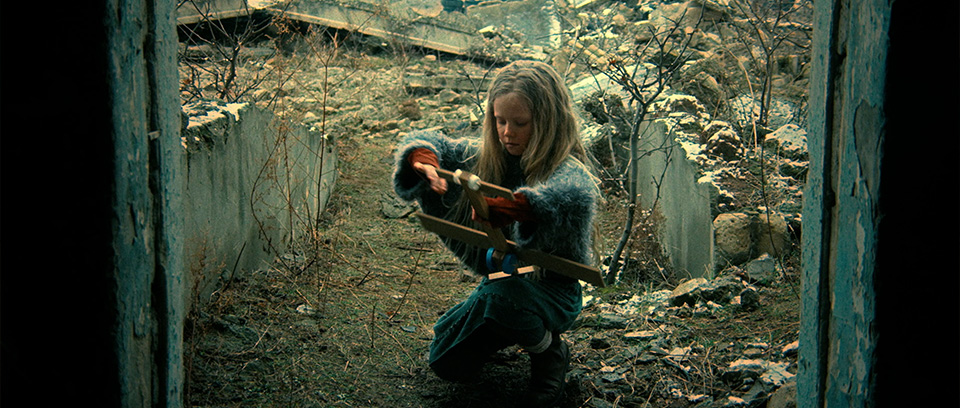
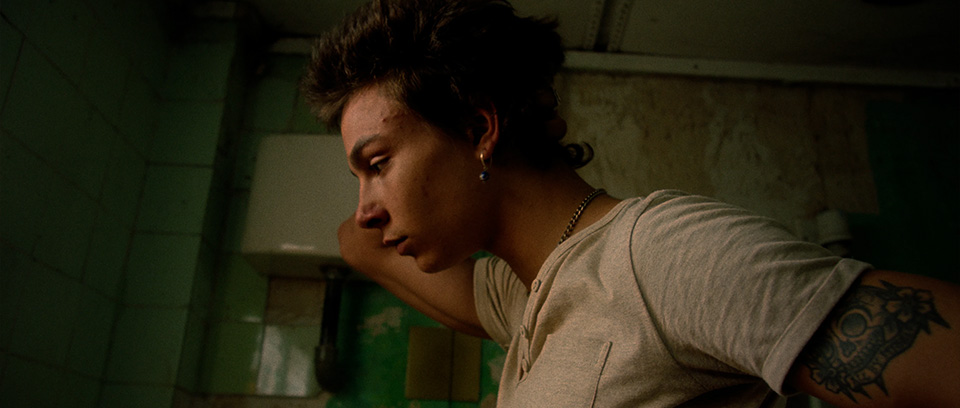
PREVIEW

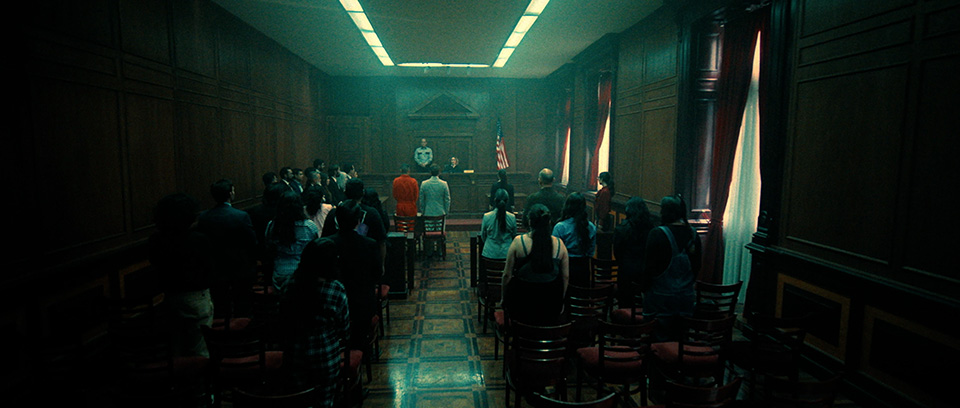
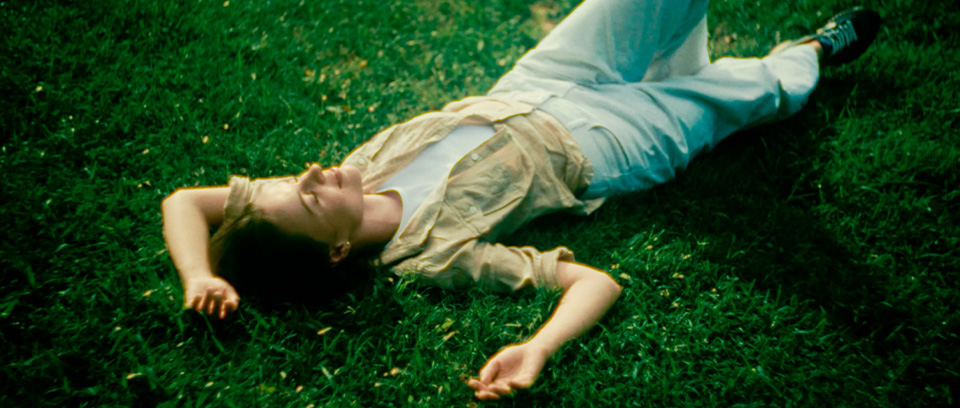
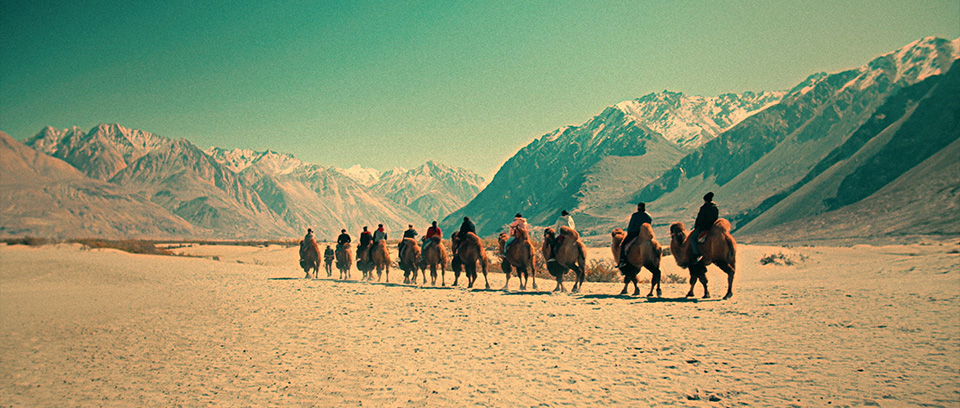
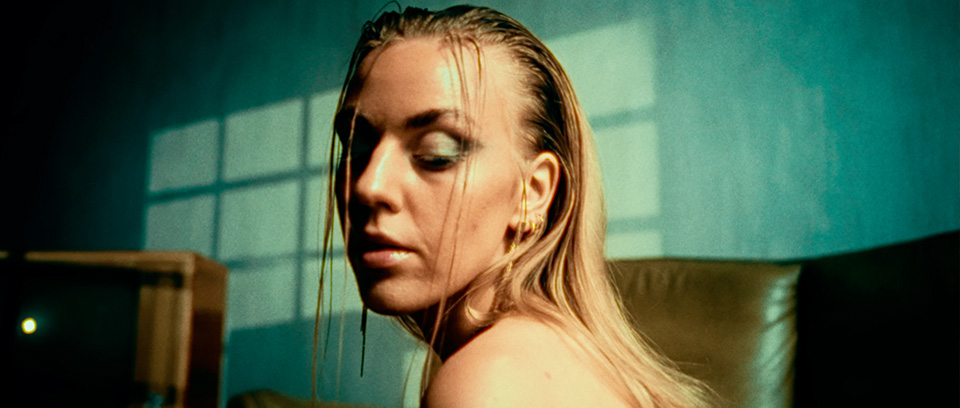
BUY NOW, OWN IT FOR LIFETIME.
MovieX PowerGrade
- 62 PowerGrades across 9 Iconic Movie Looks
- Pure Nodes & Film Finishing Versions of Every Grade
- Fully Editable Node Trees, Nothing Locked
- Works in DaVinci Resolve Free & Studio
- No Future Updates
- 24/7 Customer Support
$69

Resolve Essential Bundle
- 62 PowerGrades across 9 Iconic Movie Looks
- 2383 Film Emulation PowerGrade
- 335 Cinematic Color Grading LUTs
- Fully Customizable
- No Future Updates
- 24/7 Customer Support

Resolve Master Bundle
- 1000+ Mind-Blowing Premium Assets: Explode your creative arsenal
- Lifetime Future Product Updates
- Unlimited License
- 62 PowerGrades across 9 Iconic Movie Looks
- 510 Unique ResolveX Transitions
- 335 Cinematic Color Grading LUTs
- 2383 Film Stock Emulation PowerGrade
- 8MM, 16MM & 35MM 4K Film Grain
- 9 Anamorphic 4K Cinematic Lens Flares
- 46 Minimal & Modern Lower Thirds
- 15 4K Authentic Film Burn Scans
- 58 Essential & Cinematic Titles
- 45+ Real & Distorted RetroX VHS Effects
- 33 Stylized SplitX Screen Mattes
- 30 CinemaX Film Titles
- 60 MarkerX Cinemarkers
- 4K ProRES 222 Quicktime .MOV files
- 24/7 Customer Support
- Instant Download
FAQ
MovieX PowerGrade is a set of 62 PowerGrades for DaVinci Resolve, built across nine movie looks. Each look is inspired by the colour of a modern film: Odyssey, The Batman, The Brutalist, Saltburn, Marty Supreme, Dune, Grand Budapest, Joker and Asteroid City.
We studied each film frame by frame and rebuilt its look scene by scene, so every look comes as a small family of grades: daylight, interiors, night, firelight and more. You pick the grade that matches the light in your shot. The whole collection is one purchase at $69.
A PowerGrade is a saved grade in DaVinci Resolve that carries the full node tree used to build it. When you apply one, you don’t just get the final result: every node is there in front of you, labelled and ready to adjust.
That makes PowerGrades fully editable and non-destructive. You can lower the strength of any node, switch it off, or change its settings to fit your footage, without losing image quality.
The collection includes nine looks, each with its own set of scene grades:
Odyssey Look: 5 PowerGrades
The Batman Look: 8 PowerGrades
The Brutalist Look: 6 PowerGrades
Saltburn Look: 8 PowerGrades
Marty Supreme Look: 7 PowerGrades
Dune Look: 7 PowerGrades
Grand Budapest Look: 8 PowerGrades
Joker Look: 7 PowerGrades
Asteroid City Look: 6 PowerGrades
That is 62 PowerGrades in total. You can browse every look, its images and its grade list in the section above.
Nodes are the building blocks of a grade in DaVinci Resolve. Each node holds one set of adjustments, such as contrast, a hue curve or a colour balance, and the image passes through them in order.
Because every step lives in its own node, you can see exactly what each part of the look is doing, turn a single node up or down, or switch it off. In our PowerGrades every node is named after its job, for example Balance, Contrast, Palette, Tone and Saturation, so you always know where to make a change.
Open DaVinci Resolve and go to the Color page. In the Gallery, right-click inside the PowerGrade album and choose Import, then select the PowerGrade files from the look you want. They appear as stills in the album.
To use one, select your clip, right-click the still and choose Apply Grade. If your clip already has nodes you want to keep, choose Append Node Graph instead. Every look comes with a colorist’s guide that tells you which grade suits which kind of shot and how to fine-tune it.
Every grade comes in two versions, so you can choose how much the PowerGrade does for you:
Pure Nodes: 7 nodes built only from standard primaries and curves. This is the clean colour of the look, with no texture added.
With Film Finishing Nodes: 13 nodes. The same look, with six finishing nodes we’ve added on top to give it a true film character: Colour Density for richer, weightier colour, Highlight Rolloff for a soft shoulder on the brightest highlights, Film Blur and Film Sharpen to take away the digital edge while keeping fine detail, Halation for a warm bleed around bright edges, and Glow for a gentle bloom in the highlights.
Both versions are fully compatible with the free version of DaVinci Resolve, as well as DaVinci Resolve Studio.
The finishing nodes are set gently and can be turned down or switched off one by one. For a clean, sharp master or footage that is already soft, start with the Pure Nodes version.
Once you click the purchase button, you’ll go straight to the checkout page. After payment, the download link for MovieX PowerGrade arrives in your inbox within seconds.
Heads up: the download link is valid for 72 hours. If you miss that window, don’t worry. Just email us at support@theresolve.store and we’ll send you a fresh download link.
A LUT is a closed box. It applies a fixed transformation to your image, and while you can lower its strength, you can’t see or change what happens inside it.
Our PowerGrades are built entirely from open nodes, with no LUTs inside. You can see how the look is made, adjust the contrast, the palette or the black level on their own, and adapt the grade to footage that doesn’t behave like the film did. A LUT gives you one result; a PowerGrade gives you the whole recipe.
Both have their place, but if you want full control over the look and the freedom to make it your own, PowerGrades are the better choice.
Here’s everything inside MovieX PowerGrade:
62 PowerGrades across nine movie looks, each built for a specific kind of scene and light.
Two versions of every grade: Pure Nodes and With Film Finishing Nodes.
A colorist’s guide for every look, explaining which grade to use for which shot, what each one does, what to watch for and how to trim it.
Every node is open and labelled, so you can use the looks as they are or treat them as a starting point for your own.
The PowerGrades work with footage from any camera that DaVinci Resolve supports. As long as you can convert your footage to Rec.709 with a Color Space Transform, the looks will work on it, whether it comes from a cinema camera, a mirrorless camera, a drone or a phone.
Yes. The PowerGrades are built for Rec.709, Gamma 2.4, so Rec.709 footage can go straight in.
If you shoot LOG or RAW, apply the PowerGrade and place a Color Space Transform in the first node, which is called Input Transform and is left empty for exactly this. Set your camera’s gamut and gamma as the input and Rec.709, Gamma 2.4 as the output. The colorist’s guide walks you through it.
You don’t need a separate correction pass. Every PowerGrade has a node called Balance just for that: set your exposure and white balance there first, then judge the look.
If a shot has serious problems, such as heavy colour casts or very poor exposure, fix those in the Balance node before anything else. The looks behave best on footage that is well exposed and neutrally balanced.
Yes. PowerGrades are DaVinci Resolve files, so they work on any system that runs DaVinci Resolve: Windows, Mac and Linux.
They are also fully compatible with the free version of DaVinci Resolve, so you don’t need DaVinci Resolve Studio to use any of the looks.
The grades are built and tested in DaVinci Resolve 21. If anything doesn’t import properly in your version, email us at support@theresolve.store and we’ll help you out.
Because MovieX PowerGrade is a digital product that is delivered instantly, we’re unable to offer refunds once it has been purchased. If you run into any problem with the PowerGrades, just email us at support@theresolve.store and we’ll help you sort it out.
Don’t worry, this can happen for a couple of reasons:
– The email address may have been typed incorrectly at checkout.
– Your payment may still be on hold (this is more common with PayPal).
Just reach out through our 24/7 live chat or email us at support@theresolve.store, and we’ll sort it out as soon as possible.
If it’s been less than 30 days since your purchase, just let us know and we’ll send you a fresh download link. After 30 days, you’ll need to purchase the pack again.
Pro tip: with the Resolve Master Bundle, you get lifetime free updates and unlimited link renewals, so you’re never left without your assets.